IT Planning
Auditing the current IT setup before buying more tools
Check existing tools, ownership, access, costs and task gaps before approving another small business technology purchase.

Archive
IT Planning
Check existing tools, ownership, access, costs and task gaps before approving another small business technology purchase.
IT Planning
Build a practical small-business IT plan around daily work, essential access, security, costs and clear ownership.
Backups
Plan small business backups around essential records, recovery needs, protected copies, clear ownership and restore checks.
IT Planning
Choose business computers by role, workplace and software needs, then compare complete setups, support and running costs.
Devices
A business phone setup should make calls clear, easy to answer and resilient when an office connection fails. Start with how people work, then choose desk phones …
Support
Keep business software installations, user access, licences and billing aligned with a practical application record.
Support
Check who may use a software licence, whether credentials may be shared and which named-access options fit the work.
Support
Check computer warranty terms, repair routes, parts access and workarounds before buying for an Australian business.
Devices
Match a work laptop to the employee's applications, files, mobility and peripherals, then check a realistic task before buying.
Devices
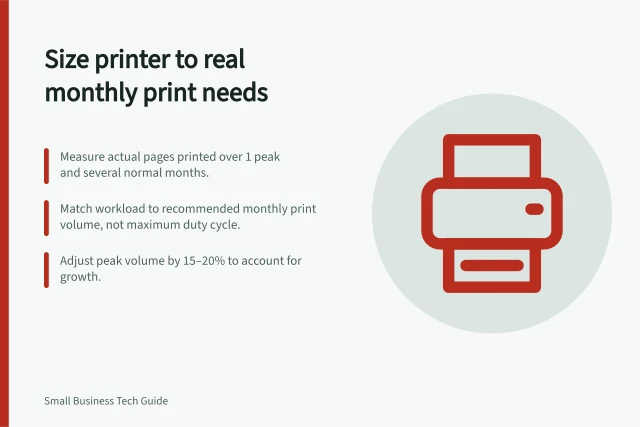
An office printer should be sized for your jobs, not the highest monthly duty cycle in a brochure.
Devices
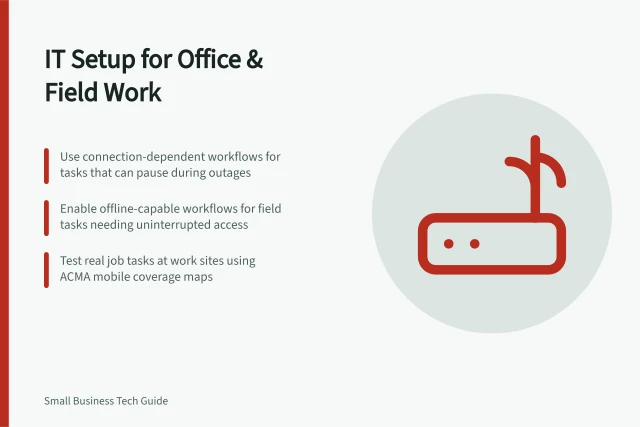
Plan shared records, role-based devices, field access and connection checks for a team working in the office and on site.
Devices
Compare business-owned and employee-owned mobiles by control, privacy, shared use, support and exit arrangements.
Devices
Choose a headset for the length and setting of the call, not just its advertised noise-cancelling label. The user must hear clearly, the other person must …
IT Planning
Compare Australian office internet plans using real upload and download work, address availability, retail support terms and complete costs.
Backups
Measure current file use, forecast growth over a useful period and check what a storage plan counts before choosing capacity.
Support
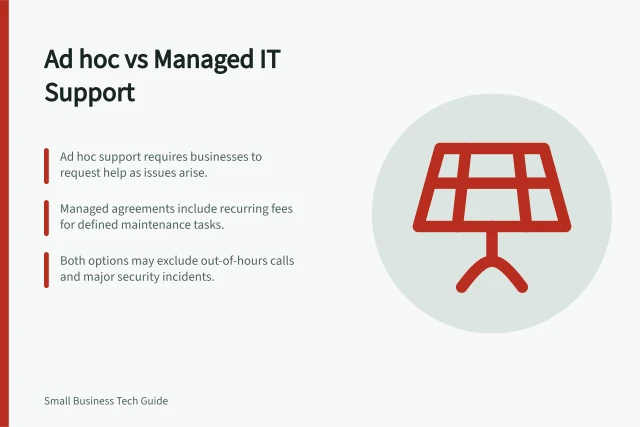
Compare ad hoc IT help with a managed support agreement using scope, costs, response terms, security and day-to-day coordination.
Devices
Compare the full cost of a business desktop and laptop, including accessories, electricity, support and time lost during faults.
Backups
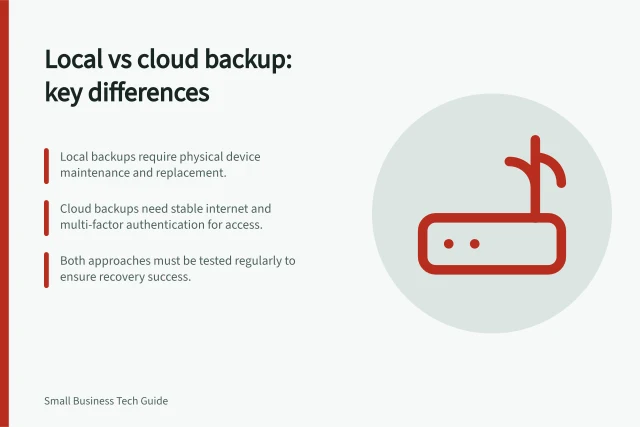
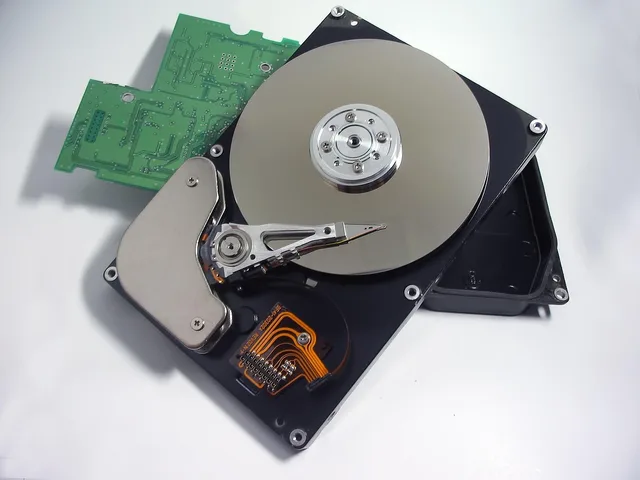
Compare local and cloud backups by restore needs, site risk, version protection, administration and the terms of the actual service.
Devices
Compare a quoted device repair with replacement using complete costs, downtime, remaining support and uncertainty over the same period.
Support
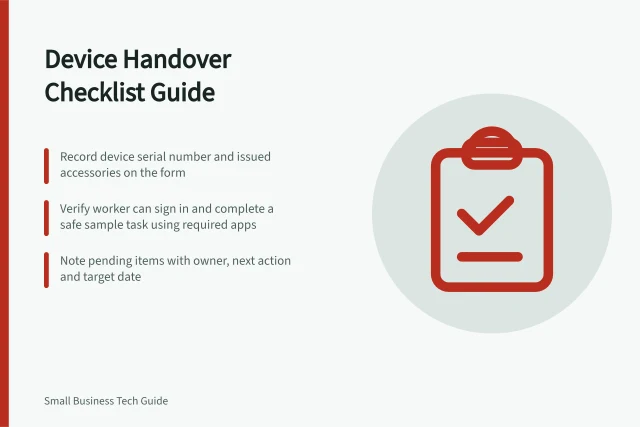
Create a short device handover checklist for issued equipment, working tasks, support contacts and pending items.
Support
Use impact, data risk and safe troubleshooting limits to decide when to escalate an office IT fault to a specialist.
Devices
Assign, configure, check and hand over a work device for a new staff member, with clear owners for unfinished tasks.
Support
Record affected people, unusable minutes and rework to estimate the staff time lost to recurring IT interruptions without double counting.
Devices
Check the offered refurbished unit, used parts, software support, seller terms and complete cost before buying for work.
Devices
Trace recurring delays to the affected task, compare devices and shared services, and give support evidence before deciding on a fix.
Backups
Trace essential work to the files, application data and settings needed for recovery, then record ownership, location and a usable restore check.
Support
Choose software by role, inspect installer extras and verify what works on a new staff member’s device.
Devices
Build a device replacement schedule around support dates, faults and work impact without imposing an arbitrary age limit.
Support
Keep a useful fault history with dates, symptoms, workarounds, case owners and follow-up so repeat IT problems can be investigated.
Account Security
Identify critical accounts, arrange secure provider-supported recovery and control how emergency access is used and checked.
IT Planning
Build a useful technology needs list from staff tasks, locations, access requirements and the tools already in use.
Devices
Plan updates for field phones and tablets, verify installation and address overdue or unsupported devices.
Devices
Choose and manage work phones and tablets by role, ownership, security, updates, coverage and data costs.
Office Networks
Build a useful shared-file structure, assign view and edit rights by role, and check inherited access before staff rely on it.
IT Planning
Plan the worker's temporary tasks, approved device and data access, then check and reconcile work when the original device returns.
Support
Set software renewal decisions before supplier deadlines, then verify terms, quantities, cancellation and the resulting charge.
Office Networks
Map where staff work, choose candidate access-point locations and check Wi-Fi coverage and busy-room capacity using real tasks.
Backups
A backup route should tell customers where their calls go when the main service is unavailable and tell staff how to respond. Write the sequence before an outage; a …
Devices
Define a repeatable computer baseline, apply role settings and verify a new starter’s machine before issue.
Support
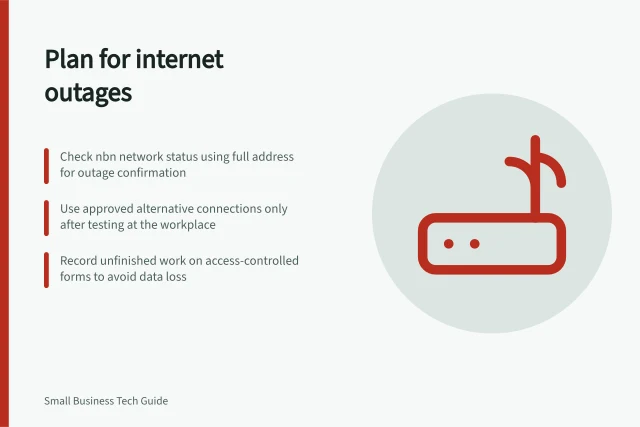
Decide which tasks need internet, check an alternative connection and give staff an outage and reconciliation sequence.
Backups
Find laptop-only work records, move them into an approved business location and check that another authorised worker can use them.
IT Planning
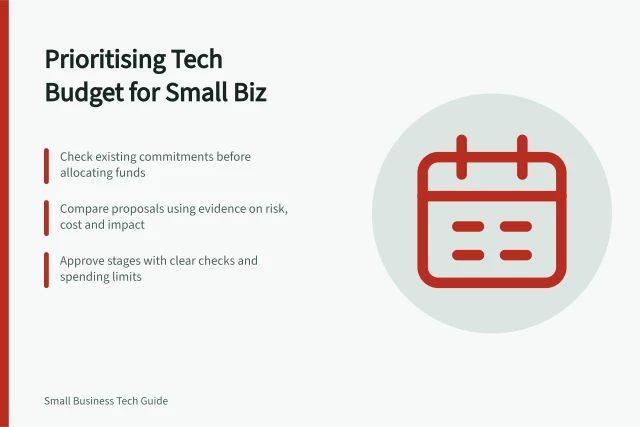
Compare technology improvements by work impact, evidence, full cost and acceptance checks, then approve spending in practical stages.
Account Security
Respond to a missing work phone by containing account access, checking remote actions and assessing exposed data.
Devices
Keep a device register that separates business ownership, assigned users, physical custody and support responsibility.
Backups
Scanning saves time only when the resulting file is complete, named consistently and easy to find.
Account Security
Use a service-by-service exit checklist to prevent sign-ins, address sessions and shared passwords, transfer work and verify access removal.
Support
Check work files and dependencies before uninstalling unused business software, then verify the device and billing separately.
Office Networks
Check who can use externally shared files, what each link permits and which access should be narrowed or removed.
Support
Use bills, plan summaries, coverage checks and overseas roaming terms to review a travelling team's mobile data costs.
IT Planning
Decide which business equipment is needed now, which upgrade deserves a trial and which purchase can wait.
Office Networks
Set visitor access rules, check what guest devices can reach and keep business resources and network administration restricted.
Account Security
Choose a supported MFA method, enrol each work-account user, check a fresh sign-in and protect the recovery route.
Account Security
Map work accounts, limit access, protect sign-ins and plan staff changes with a practical account security process for Australian small businesses.
IT Planning
Decide where small business files belong, who can use them, how much space to allow and how important records can be recovered.
IT Planning
Identify essential work, agree temporary ways to operate during IT failures, assign recovery owners and check the plan.
Devices
Choosing office printing equipment begins with documents, people and workflow, not a headline pages-per-minute figure.
IT Planning
Review the technology your small business already uses, gather evidence of delays and risks, and turn findings into a practical action list.
Support
Set up a clear support route, define responsibilities, choose suitable coverage and know when a small office needs specialist help.
IT Planning
Plan a small office network around daily work, wired and Wi-Fi coverage, visitor access and clear support responsibilities.
IT Planning
Decide whether to keep, repair or replace business technology, then compare complete Australian offers and record the purchase decision.
Office Networks
Test calls where they are made: reception, meeting rooms, home connections and busy Wi-Fi areas. A fast download result does not show whether a live conversation …
Backups
Run a contained recovery exercise, record observed results and assign fixes without mistaking a discussion for a technical restore test.
Backups
Run a safe file restore, check the recovered version with its owner, record the result and understand what a file test cannot prove.
Support
Reconcile software users, assigned licences and purchased quantities so each paid seat has a clear owner and decision.
Account Security
Choose and roll out a business password manager using real account needs, controlled sharing, vault protection and a clear process for staff changes.
Support
Use a clear support request template that records impact, timing, affected systems, exact symptoms and safe troubleshooting steps.