IT Planning
Part of Basic IT planning for small businesses
Listing the technology a small team actually needs
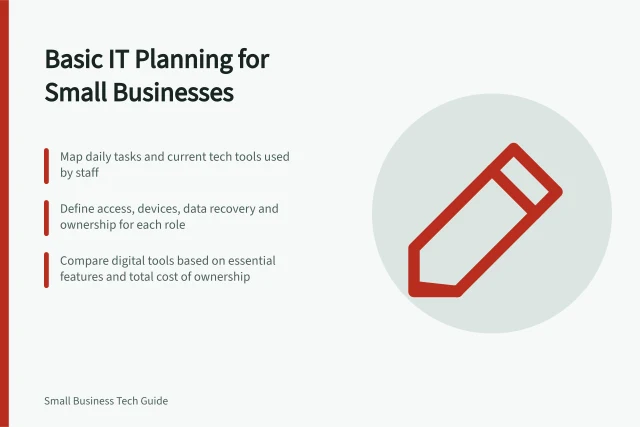
Build a useful technology needs list from staff tasks, locations, access requirements and the tools already in use.
List technology by the work each person must complete, not by product category. A useful list records the task, location, information needed, current tool and gap. It may reveal that access to an existing system matters more urgently than new equipment.
Start with roles and a normal working day
Speak to the people who do the work. Follow a customer request or job from arrival to completion: who receives it, who updates it, who approves it, and who needs the final record?
Include work done at home, at a customer site or between locations. Ask about a busy day as well as a quiet one.
Record / Question
- Task
- What must this person finish?
- Location
- Where must it be done?
- Information
- Which records must they read or change?
- Current method
- Which device, account, application and connection do they use now?
- Gap
- What stops or slows the task?
- Owner
- Who can confirm the need and approve a change?
Be specific. “Needs a laptop” is less useful than “needs to review drawings at a client site and upload an approved revision”. The second description gives a later equipment decision something to test; it does not identify a product to buy.
Include overlooked tools and dependencies
Ask about shared email addresses, calendars, files, printers, phones, specialist applications, sign-in methods and internet access. Record whether each tool belongs to the business, a supplier or a worker.
Note work that depends on one person's private account or a file stored only on one device. Investigate these dependencies before deciding what to change.
For each application, record who uses it and what data moves in or out.
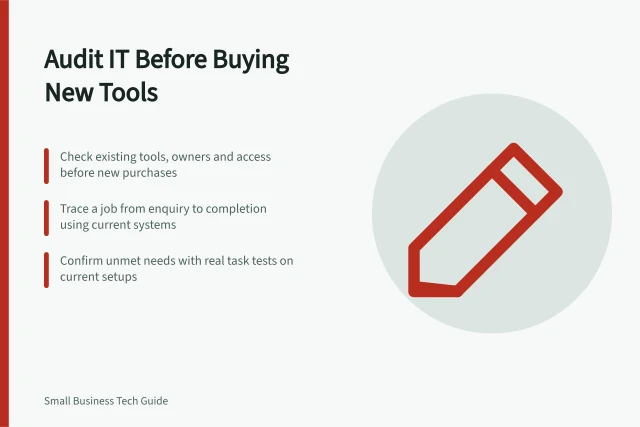
If two tools seem to do the same job, check whether they serve different teams or whether one is left over from an earlier process. Australian Government guidance recommends reviewing existing and duplicate digital tools before buying more.
Turn the list into requirements
Mark each item as in use, needed for a defined task or proposed. For a needed item, write what the person must do, where, with which records and under whose access rules. Ask someone who does the task to check the description before it becomes a purchase request.
Keep security needs in the list. For each task, record which files and systems the role needs access to.
Note who will update the tool and where its important records are kept.
The finished list maps work and dependencies. Update it when a role, location or process changes.