Devices
Part of Small business technology reviews
Identifying equipment that causes repeated delays
Trace recurring delays to the affected task, compare devices and shared services, and give support evidence before deciding on a fix.
A recurring delay is an equipment finding only when observations point to that equipment. Start with the task that stalls, compare where the symptom appears, then give support the evidence before choosing a remedy.
Capture repeated occurrences
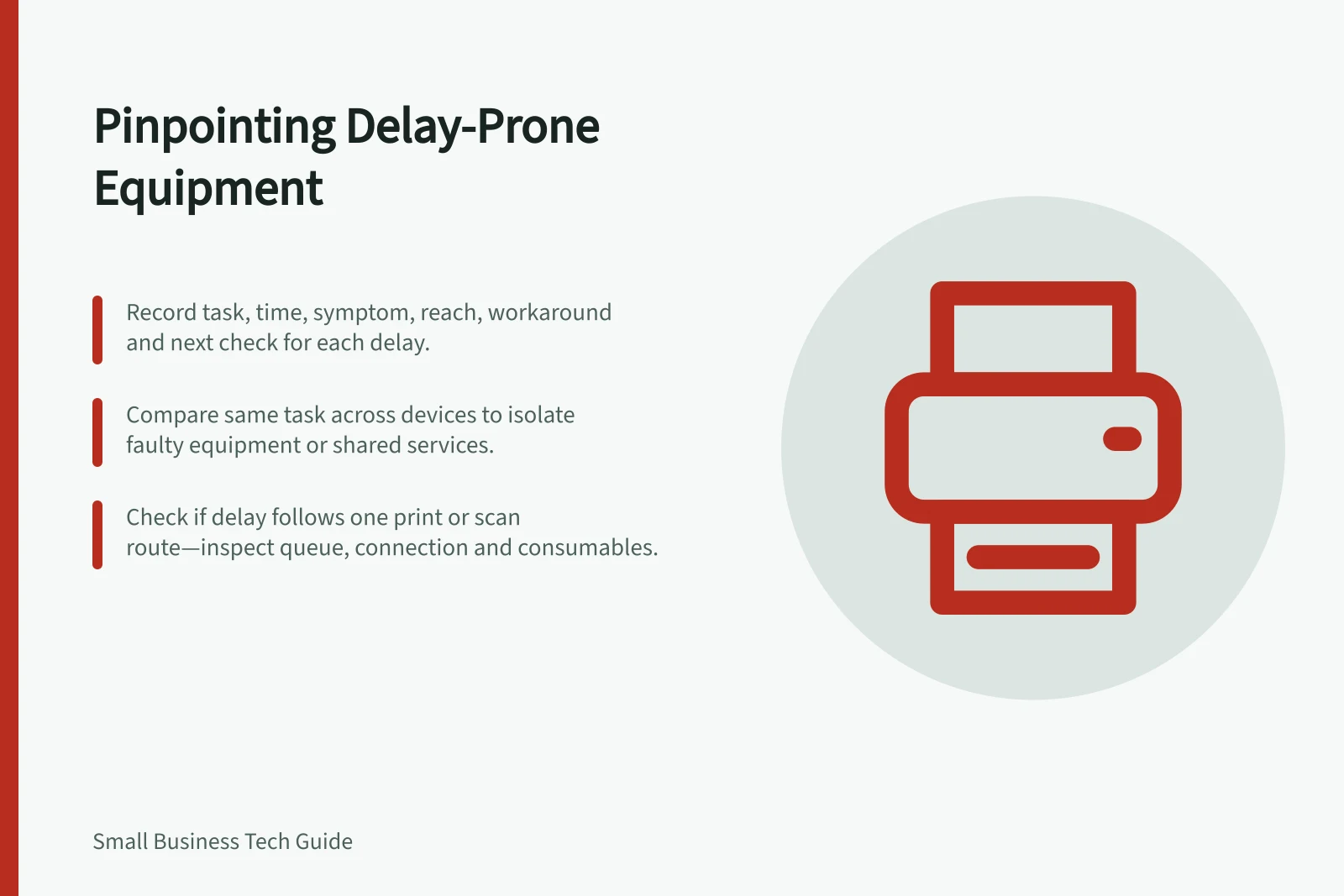
Ask what task could not finish, when it stalled and what let staff continue. Record the equipment identifier and location, connected devices, other people affected and the time work resumed. Include a busy period if that is when the delay occurs. Use existing support cases where possible so the history stays together.
Keep task, time, symptom, reach, workaround and next check in each entry. For example, one reception computer opening a booking record slowly while other computers open it normally narrows the question, but does not prove that computer is faulty.
Compare the same task across paths
Where it is safe and authorised, check one condition at a time. Can the same user complete the task on another approved device? Does another user see the delay on the suspect device? Do several devices slow down only on one application, printer or connection? Involve support where settings, access or business data could be affected.
Pattern / Next check
- One device struggles with several tasks
- Device condition, updates, storage and connected equipment
- Several devices struggle with one service
- Shared application, account or connection
- Delay occurs at one location
- Local connection and equipment
- Delay follows one print or scan route
- Queue, document, connection, consumables and device
These are investigation prompts, not diagnoses. A restart that briefly restores work is a workaround until the task remains usable and the cause is better understood.
Describe the effect and hand over the finding
Record frequency, people waiting, repeated work and any customer or deadline effect. Distinguish staff waiting from equipment running slowly while staff do other useful work. Australian Government productivity guidance suggests measuring task time and rework and looking for bottlenecks, including waits for equipment.
Check product support separately from the fault. Support status is separate from whether the equipment is causing the delay, and age alone diagnoses neither.
Give the support or purchasing owner the observed pattern, checks performed, uncertainties and proposed next step. After a change, repeat the original task under comparable conditions and record the result. If the delay remains, keep the case open.
Impact of recurring delays on business operations
- Frequency of delay
- Recorded in support case
- People waiting
- Documented per incident
- Repetitive work caused
- Tracked in task logs
- Customer or deadline impact
- Assessed for urgency