Support
Part of Small office IT support
Deciding which IT problems need specialist help
Use impact, data risk and safe troubleshooting limits to decide when to escalate an office IT fault to a specialist.
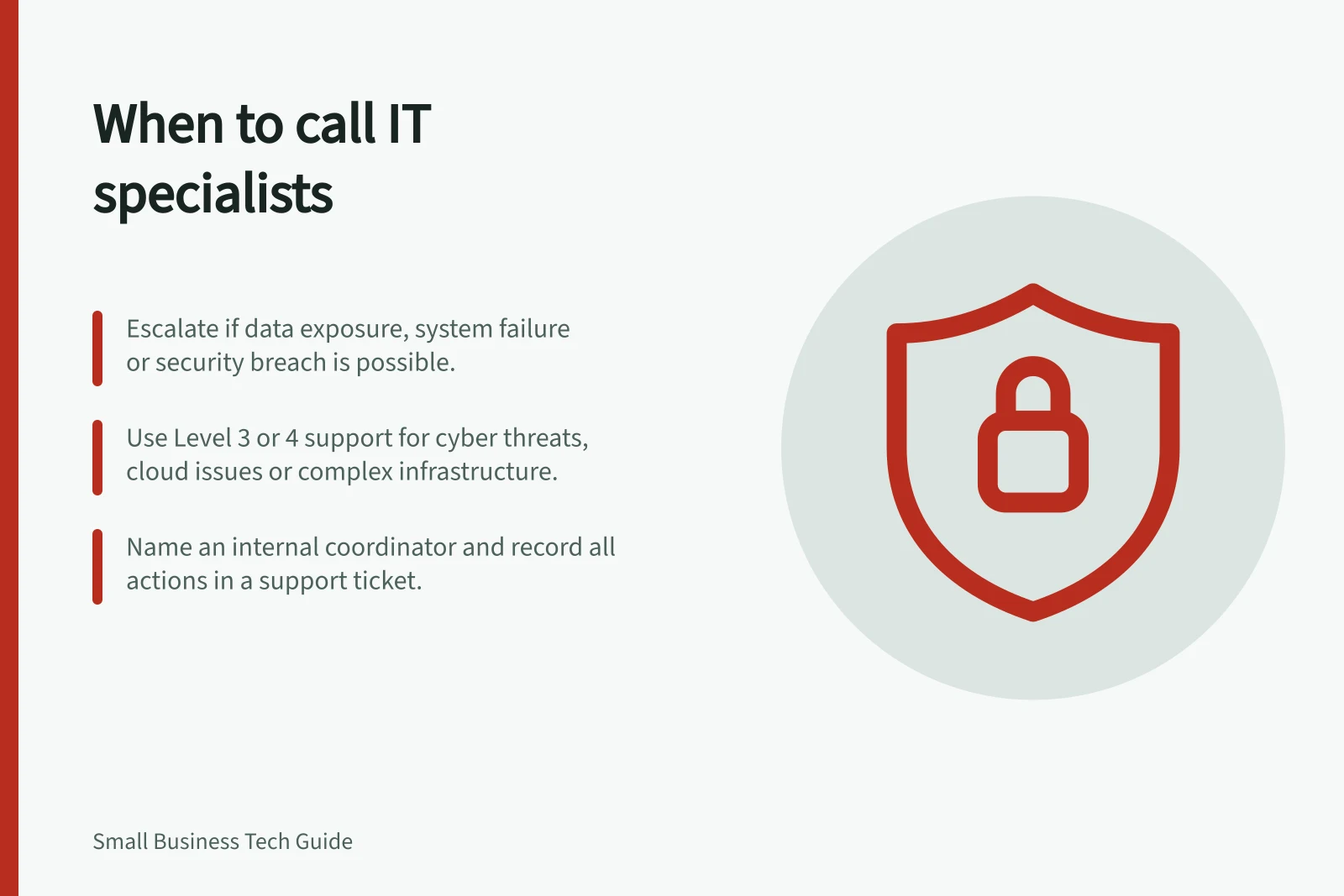
Escalate when an IT problem may expose information, threaten important records, affect several people, or require skills or access the office does not have. Routine support should investigate only while it can act safely within its authority; otherwise, involve the appropriate support level or specialist and name an internal coordinator.
Judge the consequence before changing anything
Ask what work has stopped, how many people or systems are affected, whether information could be exposed or lost, and whether a proposed check can be reversed safely. An obscure error is not automatically serious, and a familiar symptom is not automatically harmless.
| Situation | Next step |
|---|---|
| One application fault with an approved, documented fix | Use the normal support route and check the original task afterwards. |
| Several staff lose an essential service | Escalate to the support owner to coordinate the relevant suppliers. |
| Files appear missing or a restore is proposed | Involve the data owner and qualified recovery help before overwriting or rebuilding anything. |
| Unauthorised access, malware or unusual account activity is suspected | Use the security incident route and seek appropriate cyber expertise. |
| The fault spans a network, cloud service and supplier equipment | Assign one coordinator and involve specialists for the affected components. |
These examples guide triage; they do not diagnose the cause. A widespread outage can also originate outside the office.
Use support levels to choose where to escalate. Level 1 handles everyday issues such as password resets and basic troubleshooting; Level 2 handles more complex problems, including software configuration and escalated support requests. Level 3 covers advanced infrastructure such as servers, networks, cloud platforms and cyber security; Level 4 is specialist support from software vendors or technology manufacturers.
Support levels for IT problem escalation in Australia
- 1Level Support — Password resets, basic troubleshooting
- 2Level Support — Software configuration, escalated requests
- 3Level Support — Servers, networks, cloud platforms, cyber security
- 4Level Support — Vendor or manufacturer specialists (product-specific)
Know when informal troubleshooting should stop
Staff can describe what they saw, check whether colleagues are affected and capture an exact error. Stop informal changes when a step could delete data, alter security settings, grant broad access or complicate an incident investigation. Record what has already been tried.
A suspected hack or possible exposure of information needs more than routine helpdesk coverage. Ask the managed service provider (MSP) for its cyber security response contact or Level 3 support, which covers cyber security issues.
The Australian Signals Directorate’s Australian Cyber Security Centre (ACSC) publishes “Report and recover from hacking” and “Cyber security incident response planning: Practitioner guidance”. Use this guidance when coordinating the response to a suspected security incident.
Missing files or possible data loss also warrant escalation. Identify who owns the data and ask the office’s IT contact and MSP who can assess recovery.
The organisation’s incident process should identify who decides the next action and how staff will communicate if their usual systems are affected.
Coordinate the hand-off
Give the specialist a specific question. For a cloud application, the application’s supplier can examine its service while the office’s provider checks local access. Ask the MSP whether Level 4 vendor support from a software vendor or technology manufacturer is needed for a product-specific issue.
For a security concern, confirm that the receiving provider can handle incidents; routine helpdesk coverage alone is not evidence of that capability. Name one internal IT contact to coordinate the hand-off and updates.
Create or update a support ticket with the time, exact error, affected users and systems, business impact, checks already tried, data or security concerns, and what remains uncertain. Record the receiving provider and support level, the requested action, the agreed owner and the next update time.
Give each party the same timeline, affected systems and business impact. Ask for the immediate safe action, the evidence needed, what remains uncertain and who will update staff. Agree on ownership before different suppliers make changes to the same system.
Check the outcome
Record who accepted the escalation and when the next update is expected. After a fix, ask an affected worker to repeat the original task. If the cause is unknown, keep a follow-up owner.
A successful sign-in or restored screen does not by itself establish that a suspected security incident has ended.