Backups
Part of Small business printers and scanning
Reducing manual filing with a clear scanning process
Scanning saves time only when the resulting file is complete, named consistently and easy to find.
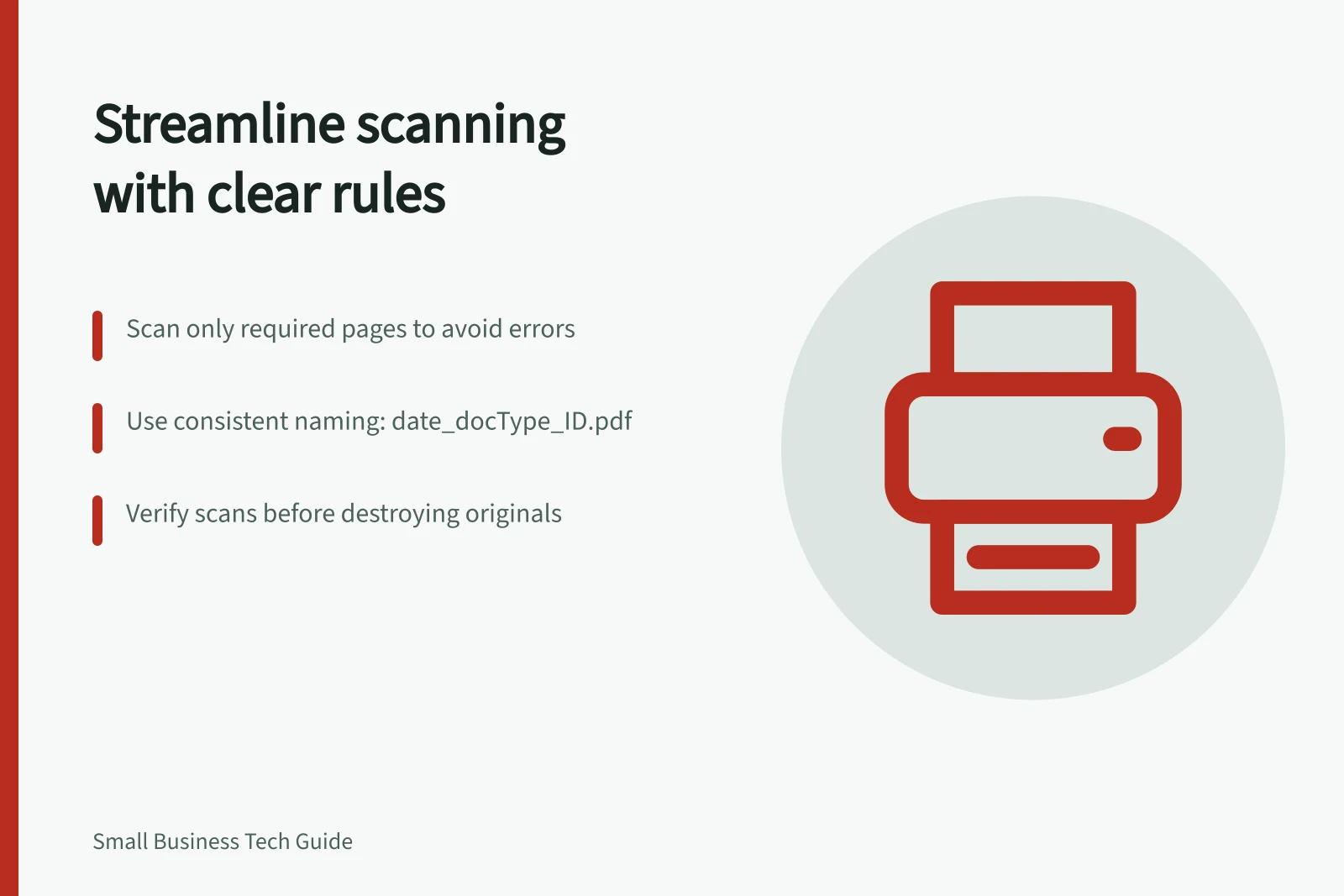
A scan saves time only when the right pages are captured, the file follows a consistent name and someone can retrieve it. Test the hand-off with one supplier invoice, from receipt through scanning, checking, filing and retrieval.
Assign an owner to intake, scanning, checking and filing; one person can handle more than one task.
Follow a document from receipt to retrieval
- The receiver chooses one supplier invoice as the test record. Before scanning, identify every page to capture, the destination and the authorised team member who needs to retrieve it.
- The scanner captures the identified pages as one record. For batch scanning, check page order and separation between records; OCR can improve search when supported and accurate enough, but does not remove the need to verify key details.
- The checker compares the scan with the original for completeness, page order, readability and any expected signature. Route unreadable pages, missing signatures and unexpected document types for follow-up.
- The filer uses the same naming convention each timedate, document type and identifier. For example, 2026-01-15_Invoice_Parkside-Design.pdf; save the checked file in the defined destination.
- Ask a colleague who did not handle the invoice to find the correct version in that destination. If they cannot, revise the filing rule and test it again before using it for more records.
Keep controls and exceptions
Set access by document type, and do not use a public shared folder for sensitive records. Define who is authorised to retrieve each scan and give exceptions such as unreadable pages or missing signatures a clear route for follow-up.
Keep originals and scans for the period required by your actual obligations. Confirm the scan before disposing of an original, and dispose of it only when permitted.
Measure the time to find a document and the number of rescans or misfiles. These results show whether the process is reducing manual work and where its filing rules need improvement.
Process effectiveness metrics
- Time to find a document
- Measured in minutes
- Number of rescans
- Count per month
- Number of misfiles
- Count per month