Support
Part of Small office IT support
Writing a useful support request
Use a clear support request template that records impact, timing, affected systems, exact symptoms and safe troubleshooting steps.
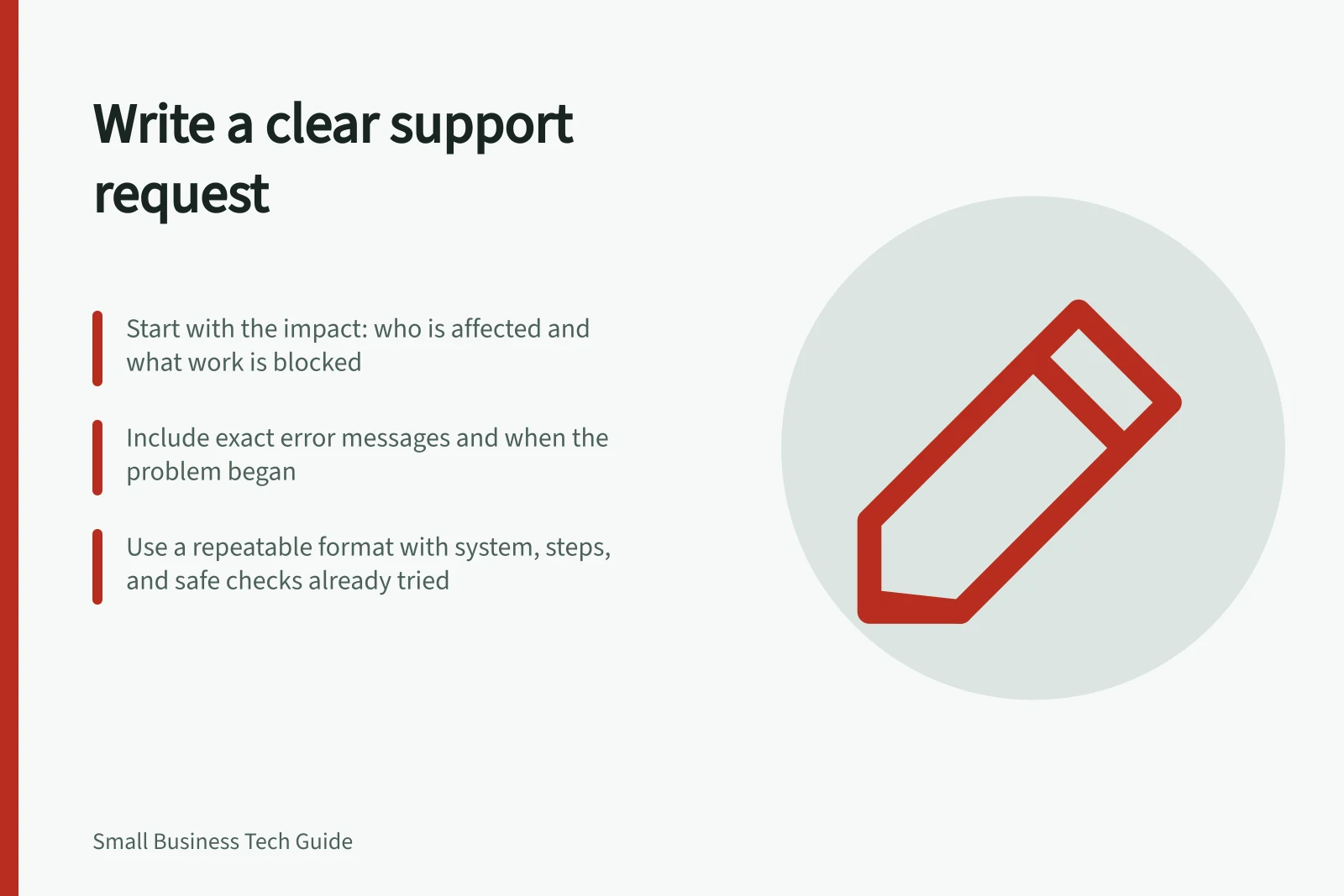
A useful support request states what you were trying to do, what happened instead, who is affected and what work is blocked. Add when the problem began, the device or service involved, the exact error if there is one, and any safe checks already tried.
Lead with the impact
Use a scannable subject line: “Three staff cannot open the booking system” tells more than “Computer broken”. Say whether a workaround exists. Describe the impact without calling every fault an emergency.
- The affected person, team or location, and a contact method that still works.
- The device name or asset number and the application or service, if known.
- When the problem began, whether it is constant or intermittent, and whether others see it.
- The steps that produce the problem, what should happen and what happens instead.
- The exact error text or a screenshot with sensitive information removed.
- Any change noticed before the fault and the results of safe checks already completed.
If you do not know a detail, say so. Describe a symptom before guessing its cause: “the shared folder will not open on two laptops” is clearer than “the server is broken” when the cause is unknown.
Essential elements of a useful support request
- Clear subject line with impact focuse.g., 'Three staff cannot open the booking system'
- Affected person, team or locationInclude contact method that still works
- When the problem beganDate and local time; ongoing or intermittent
- Exact error message or screenshot (with sensitive info removed)Attach only safe evidence
- Steps to reproduce the issueWhat should happen vs what actually happens
- Safe checks already triede.g., restarted device, cleared cache, checked network
Use a repeatable format
Subject: [Affected task] — [people or location]
Impact: [Work stopped and any workaround]
Started: [Date and local time; ongoing or intermittent]
System: [Device or service, if known]
Observed: [Exact message and steps that produce it]
Already tried: [Safe checks and results]
Contact: [Person and reachable channel]
Adapt the format to the support provider's form. Microsoft's Azure support process, for example, prompts users to share more details about the issue. Include the specific resource if applicable. Technical support requires a support plan.
Support request best practices summary
- Impact clarity
- High: Use scannable subject lines
- Troubleshooting transparency
- List safe checks completed
- Security awareness
- Never share credentials publicly
- Follow-up required
- Confirm fix works and report recurrence
Share evidence safely
Do not put passwords, recovery codes, customer records or other confidential material in a general request. If a helper genuinely needs sensitive logs or examples, ask for an approved secure channel. Give a screenshot's time and explain what it shows.
If you suspect unauthorised access, missing data or malware, use the business's incident route promptly. A routine queue may not be suitable for a security concern.
How to escalate a security-related issue safely
- Do not include sensitive data in general requestsNo passwords, recovery codes, customer records
- Request a secure channel if neededOnly for genuine support needs
- Use official incident reporting routes for security concernse.g., ATO’s cyber incident reporting for Australian businesses
Confirm the result
When a fix is offered, repeat the original task and report whether it works. If the problem returns, add the new time and symptoms to the existing case where possible. This helps support see that a workaround did not settle the fault.