Backups
Part of Small business IT continuity
Testing the basic IT recovery checklist
Run a contained recovery exercise, record observed results and assign fixes without mistaking a discussion for a technical restore test.
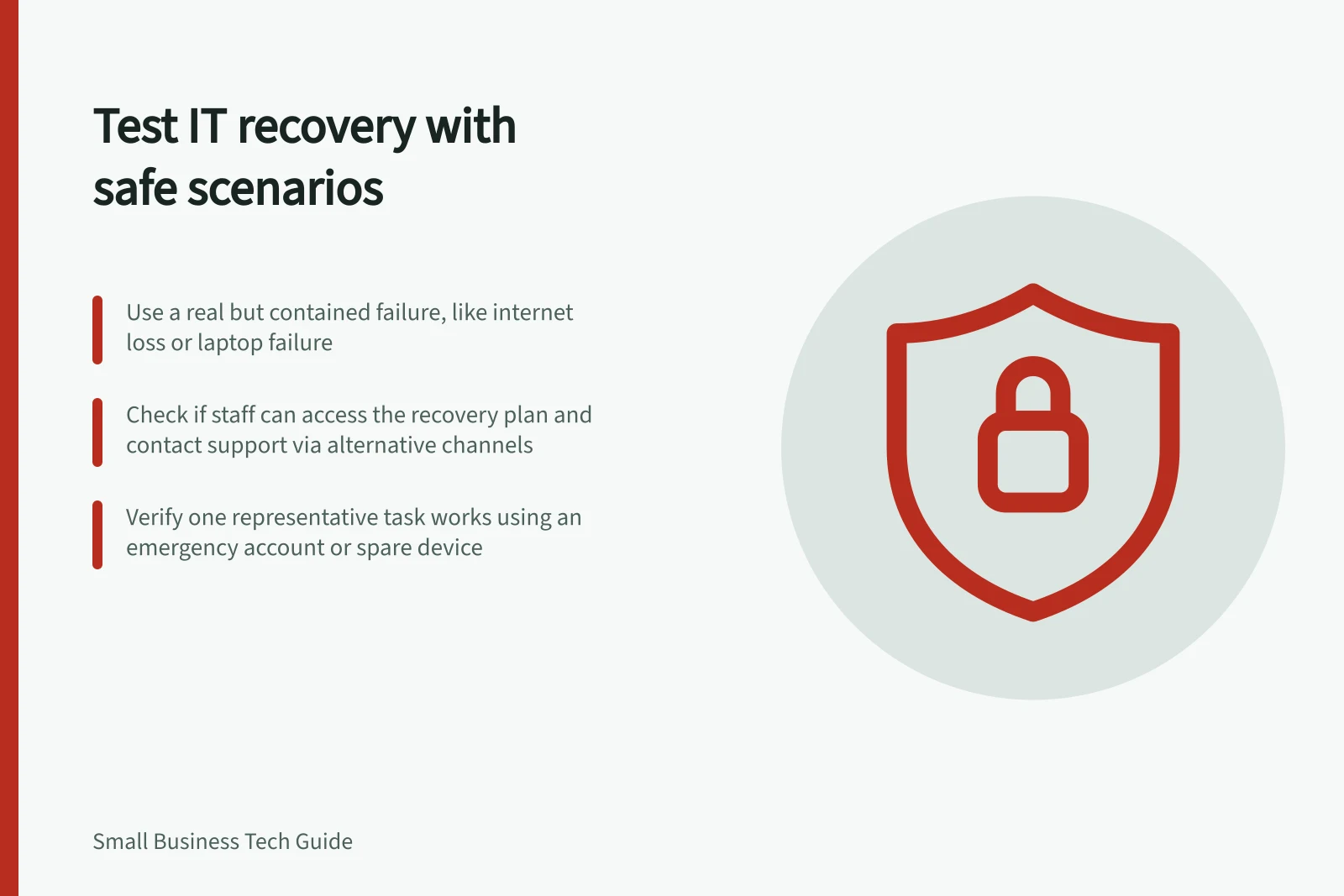
Test an IT recovery checklist using a contained failure scenario. Observe whether staff can use the plan, and record what actually worked. Start with decisions and contacts, then check a representative task on the proposed recovery route. A discussion can examine roles, but it cannot prove that a device, account or restored record works.
Set a safe exercise boundary
Choose one relevant interruption: the office internet is unavailable, a worker’s laptop fails or the usual administrator cannot sign in. State what is simulated and what, if anything, an authorised person will check on a real system. Name an exercise lead, someone to record observations and a person who can stop the exercise if it interferes with work.
Do not disconnect production equipment, delete a live file, disable a real account or issue a wipe command merely to make the scenario realistic. Arrange any necessary live technical change as a separate, authorised check with appropriate safeguards.
Walk through the checklist
Give participants the scenario and the plan they would normally have. Ask them to find the current copy, identify who can activate a temporary route and explain the first staff update. Continue until they have identified the support owner, the work that can continue and how outstanding work will be reconciled.
| Check | Evidence to record |
|---|---|
| Find the plan | Which copy was used and whether it was accessible without the failed system |
| Reach people | Whether listed contacts and the alternative channel were current |
| Decide on work | Which tasks continued, paused or moved to an approved route |
| Use the route | The representative task attempted and its observed result |
| Return to normal | Who checks the original task and reconciles outstanding work |
A discussion exercise can examine communication, decisions and roles without affecting systems. Use the business’s own services and responsibilities when adapting that approach to a wider IT interruption.
Make a bounded technical check
If the plan relies on an alternative connection, emergency account or spare device, ask an authorised person to complete a safe representative task under the relevant procedure. Record the setup, account role, location and result as worked, limited or untested. If the check needs supplier support or cannot be performed safely, assign an owner to arrange it.
Treat backup restoration as a separate technical exercise. A recovered sample file proves only that file and route worked at that time. Do not call a full recovery plan tested because a meeting went smoothly or one file opened.
Close the gaps
For each gap, record the affected task, observed problem, consequence, owner and next check. Update the checklist and tell the people who will use it. Close an item after the corrected step is observed, or record the remaining limit and the decision owner who accepted it.
Repeat a focused exercise after a meaningful change to critical systems, suppliers, contacts or work locations. Keep the record short enough to guide the next check.
Critical Observations from IT Recovery Testing
- Gaps identified
- Recorded during exercise
- Corrective actions assigned
- Owner and next check date recorded
- Full recovery not confirmed
- One file restored ≠ full plan tested