Account Security
Part of Small business account security
Removing access when a worker leaves
Use a service-by-service exit checklist to prevent sign-ins, address sessions and shared passwords, transfer work and verify access removal.
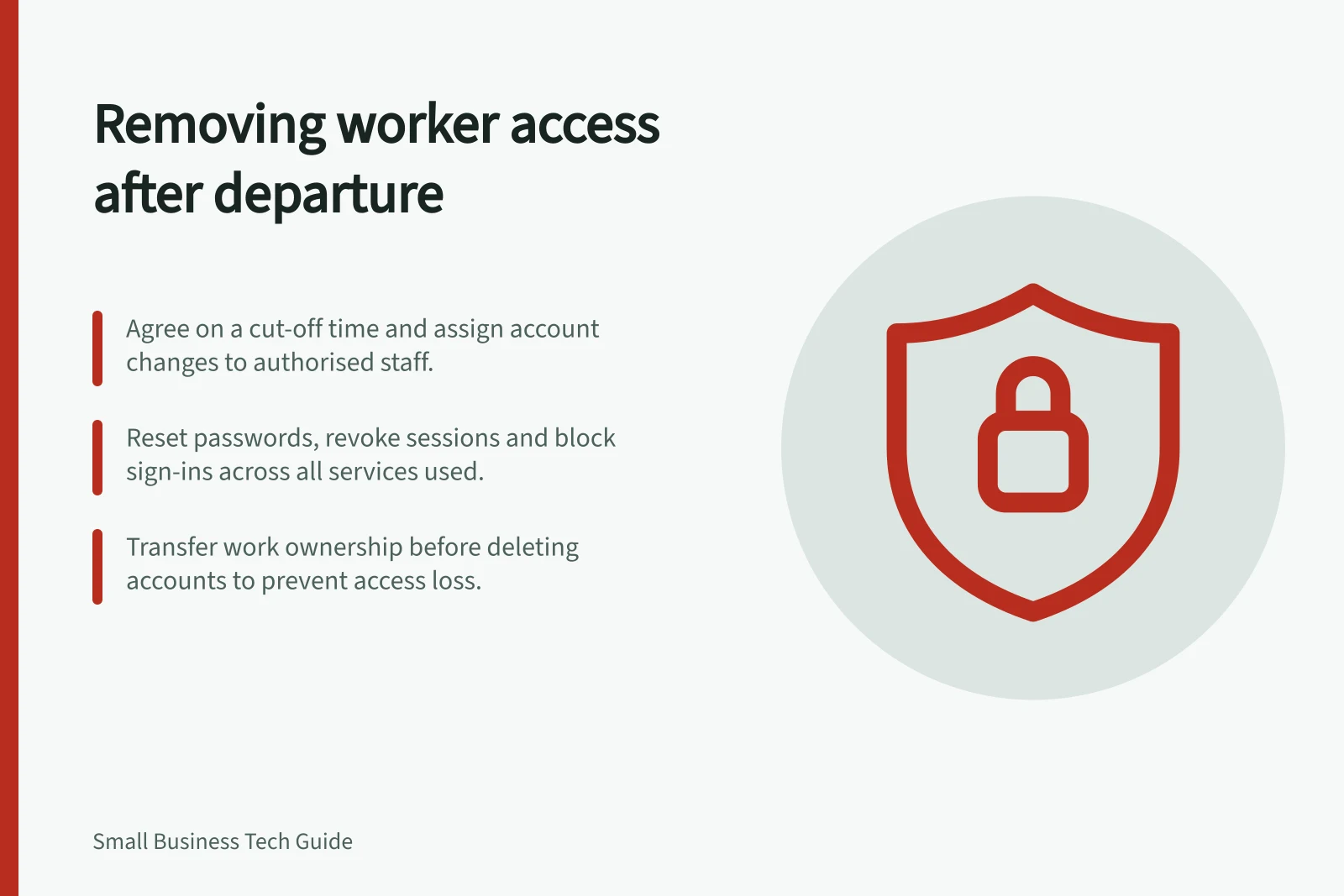
Use the services a departing worker actually accessed as the exit checklist. Agree who will act and when, prevent new sign-ins, address existing sessions and shared credentials, then transfer business work. Collecting a laptop or disabling email does not establish that every online account is closed.
Prepare the service list
Start with the account register and the worker’s current role. Ask their manager which work, supplier relationships and records need a new owner. Include email, file storage, accounting, banking, social media, website administration, remote access and specialist applications. Check separate administrator accounts and access granted by external providers.
Record the agreed cut-off time and the person authorised to change each service. The exact controls depend on the service.
| Access | Action to assign |
|---|---|
| Individual account | Prevent sign-in using that service’s controls. |
| Session or connected app | Revoke access where supported and check the reported state. |
| Group or administrator role | Remove the permission and assign its work. |
| Shared credential | Change it if the worker knew it, then update authorised users. |
| Business records | Arrange authorised access for the new owner before deletion affects them. |
A central identity may open many applications, but disabling it does not prove that an independent supplier login or social-media role has ended. Check each service separately.
Service-by-Service Access Removal Process
- Individual AccountPrevent sign-in via service controls
- Session or Connected AppRevoke access where supported; verify reported state
- Group or Administrator RoleRemove permission and assign new owner
- Shared CredentialChange password if known; update authorised users
- Business RecordsArrange access for new owner before deletion
Prevent sign-in and address sessions
At the agreed time, have an authorised administrator act on each individual account. Where supported, reset credentials, revoke sessions or app tokens and block sign-in. Record what the service confirms and what remains pending. A submitted change may not end an existing session immediately.
Microsoft’s former-employee procedure for Microsoft 365 distinguishes password reset, signing out sessions and blocking sign-in. Its documentation says blocking can take up to 24 hours to take effect and advises a password reset for immediate prevention of a new sign-in.
It also says an existing access token may last up to an hour, depending on the session. These timings describe Microsoft 365, not other services; use the current procedure for the actual account setup.
For a shared account, change the password, review its MFA method and revoke sessions where the service permits it. Removing a person from a password-manager vault cannot erase a password they previously saw. Prefer named service accounts for future access.
Key Timings and Considerations for Access Removal
- Existing access token duration
- Up to 1 hour (varies by session)
- Shared password risk
- Cannot be erased from memory once seen
- Best practice for future access
- Use named service accounts instead of shared credentials
Preventing Sign-In vs. Revoking Sessions – Key Differences
- Prevent New Sign-Ins
- Immediate action required; reset password for instant effect
- Revoke Active Sessions
- May not end immediately; depends on service and token expiry
- App Tokens & Connected Apps
- Must be manually revoked where supported
- Admin Controls
- Disabling central identity does not affect independent supplier logins
Transfer work before deleting accounts
Assign incoming enquiries, active files and services the worker administered to an authorised replacement. Do this through the business’s account controls before deleting an account if deletion could affect access to its contents. Microsoft’s exit guidance, for example, treats sign-in prevention, mailbox and OneDrive handover, and account removal as separate steps.
Use the business’s records and privacy process to decide what to retain and who may read it. If the departure also raises suspicion of compromise, use the incident process as well as the access-removal checklist.
Confirm what is complete
Have a second authorised person compare the service list with the recorded changes. Check user, group and administrator lists, shared-credential changes and whether the replacement owner can do essential work. Record any session status or delay the service reports.
Keep an item open until its owner can confirm the result. A supplier account awaiting support or a session whose revocation remains uncertain is still an exit task. Update the account register when the checks are complete.