Devices
Part of Business computers and device selection
Choosing a laptop from the employee's workload
Match a work laptop to the employee's applications, files, mobility and peripherals, then check a realistic task before buying.
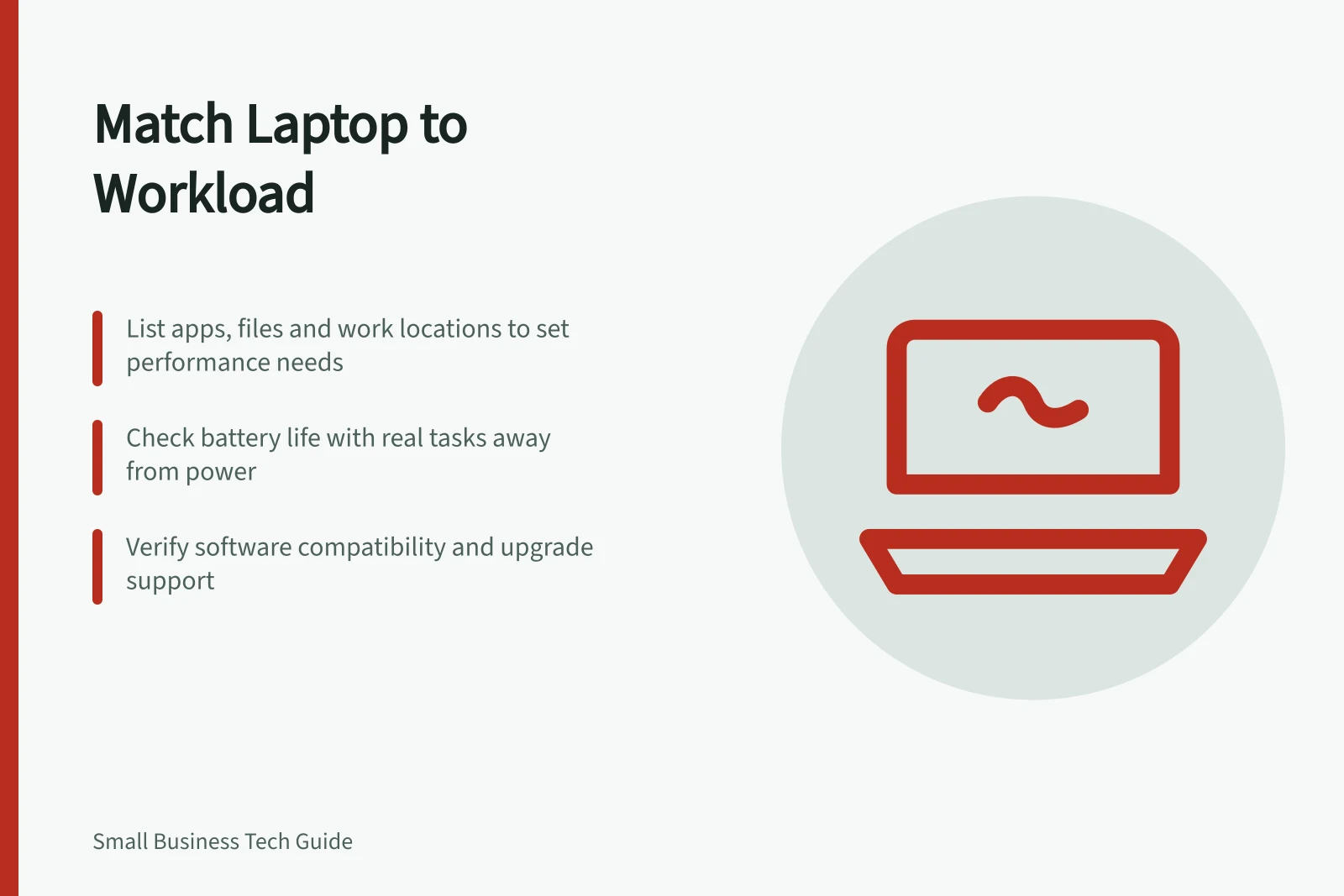
Choose a laptop by listing what the employee runs, which files they handle and where they work. Use that list to set acceptable performance, screen, battery and connection needs.
A processor label or an operating system's minimum specification alone cannot show whether a laptop suits the job.
Capture the busiest normal task
Ask the employee to describe a demanding but ordinary work period. Which applications stay open together? How large are the files? Do they join video calls while working in a browser or spreadsheet?
Ask whether they edit drawings or media, use specialist software, or connect to equipment at a customer site. Note what becomes slow or awkward on the current device without assuming the cause.
Turn the description into checks:
| Workload | Check on a candidate laptop |
|---|---|
| Browser, documents and routine calls | Open the usual applications together; check responsiveness, camera, microphone and display comfort. |
| Large spreadsheets or many concurrent windows | Use a representative file with the normal applications open; note delays during the task. |
| Design, video or other specialist software | Check the supplier's supported hardware and operating system, then try a representative project if available. |
| Work away from a desk | Try an essential task on battery; check the screen, keyboard, weight, charging and connections at that location. |
These are proposed evaluation tasks, not test results or universal specification bands. A large working file can reveal problems that an empty application will not.
Check compatibility before performance
List the exact applications, versions and peripherals the role needs. Check the software supplier's requirements and supported operating systems.
If the business uses Windows 11, Microsoft's minimum hardware requirements show whether a device is eligible to install it. They are not a recommendation for a particular application or multitasking load.
Check the proposed model's ports and whether a dock or adapter is needed. Include any external screen, headset, scanner or other equipment the employee uses.
Ask whether memory or storage can be changed later; this depends on the exact model and configuration. If expansion is unavailable, choose capacity for the expected workload at purchase.
Windows 11 minimum hardware requirements vs. typical business use
- Minimum CPU1 GHz or faster with 2 or more cores
- RAM4 GB
- Storage64 GB
- TPMTrusted Platform Module 2.0
- Secure BootRequired
Treat mobility as a real requirement
Ask how long the employee works away from power and whether they can charge between appointments. Compare the maker's battery information with the employee's mix of calls, screen brightness and applications through a trial where possible.
Check the charger, carry weight and screen in the places they visit. If the laptop usually stays at one desk, assess it with the dock and display it will use there.
Check that the operating system and required software will receive updates during the intended use period and that the business can apply its screen-lock and encryption requirements. Check the relevant product-specific support dates.
Make the purchase check repeatable
Give each shortlisted laptop the same task list: open a normal project, switch among usual applications, join a call, connect required equipment and work away from power if the role requires it.
Record the configuration and anything that interrupted the work. If a trial is unavailable, mark task performance unknown and ask the supplier to confirm specifications and return terms in writing.
Record the workload the chosen laptop meets and any compromise accepted.