Office Networks
Part of Business phone and communication hardware
Testing call quality on the business network: a guide
Test calls where they are made: reception, meeting rooms, home connections and busy Wi-Fi areas. A fast download result does not show whether a live conversation …
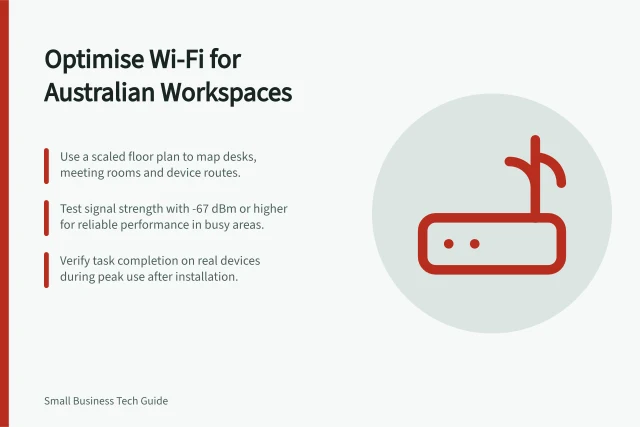
Test where calls are made: reception, meeting rooms, home connections and busy Wi-Fi areas. Include wired and wireless connections, and repeat tests during peak office usage.
Use the same sequence each time: call an internal colleague and an external number, speak in both directions, transfer once and stay connected long enough to reveal intermittent problems. Repeat the same call paths over several ordinary days.
Record the location, time, call path, connection type, device and symptoms. Where available, note the client version, microphone, speaker and driver; record call setup and drop failures too.
Ask the person at the other end what they heard. Their report can reveal one-sided audio problems that the person making the test call may miss.
For network readings, run a VoIP-specific speed test that simulates call conditions and checks latency, jitter and packet loss. VoIP Spear and PingPlotter are named tools for measuring these call-quality statistics.
Compare readings with these reference targets: one-way latency below 150 ms, jitter below 30 ms and packet loss below 1%. Delay can disrupt conversation, while jitter and packet loss can cause choppy audio or missing words.
If a test reports MOS, treat it as a 1-to-5 call-quality score. A MOS of 3.6 or above is generally considered acceptable, and 4.0 or above is good; consider it alongside callers’ reports and network readings.
On a Cisco network, Cisco IP SLAs can generate traffic between Cisco devices or from a Cisco device to a remote IP device. They can collect one-way and round-trip delay, directional jitter and packet loss, and voice-quality scores; statistics can be stored in the CLI and SNMP MIBs.
For Microsoft Teams, use the Call Quality Dashboard (CQD) for call quality and reliability. Download its two curated templates before reviewing reports; CQD can break down calls by internal or external path, building or network, VPN, Wi-Fi, wired connection, TCP, UDP or proxy.
Use CQD to find call setup and drop failures, and correlate Rate My Call survey results with quality, reliability and devices. Check which microphones, speakers, client types and versions are associated with poor calls, and whether audio, video, USB and Wi-Fi drivers are regularly patched.
For other calling services, ask your provider for access to call-quality and reliability statistics, including latency, jitter, packet loss and setup or drop failures. VoIP providers may also provide these statistics directly; VoIP Spear and PingPlotter are alternatives for measuring call-quality readings.
When readings or caller reports point to a problem, check Wi-Fi coverage, bandwidth, VPN, client versions and drivers, audio devices, network devices and local congestion. Change one likely cause at a time, then repeat the same call path; keep several ordinary days of baseline results for comparison.