Office Networks
Part of Small business data storage
Organising shared work files with clear permissions
Build a useful shared-file structure, assign view and edit rights by role, and check inherited access before staff rely on it.
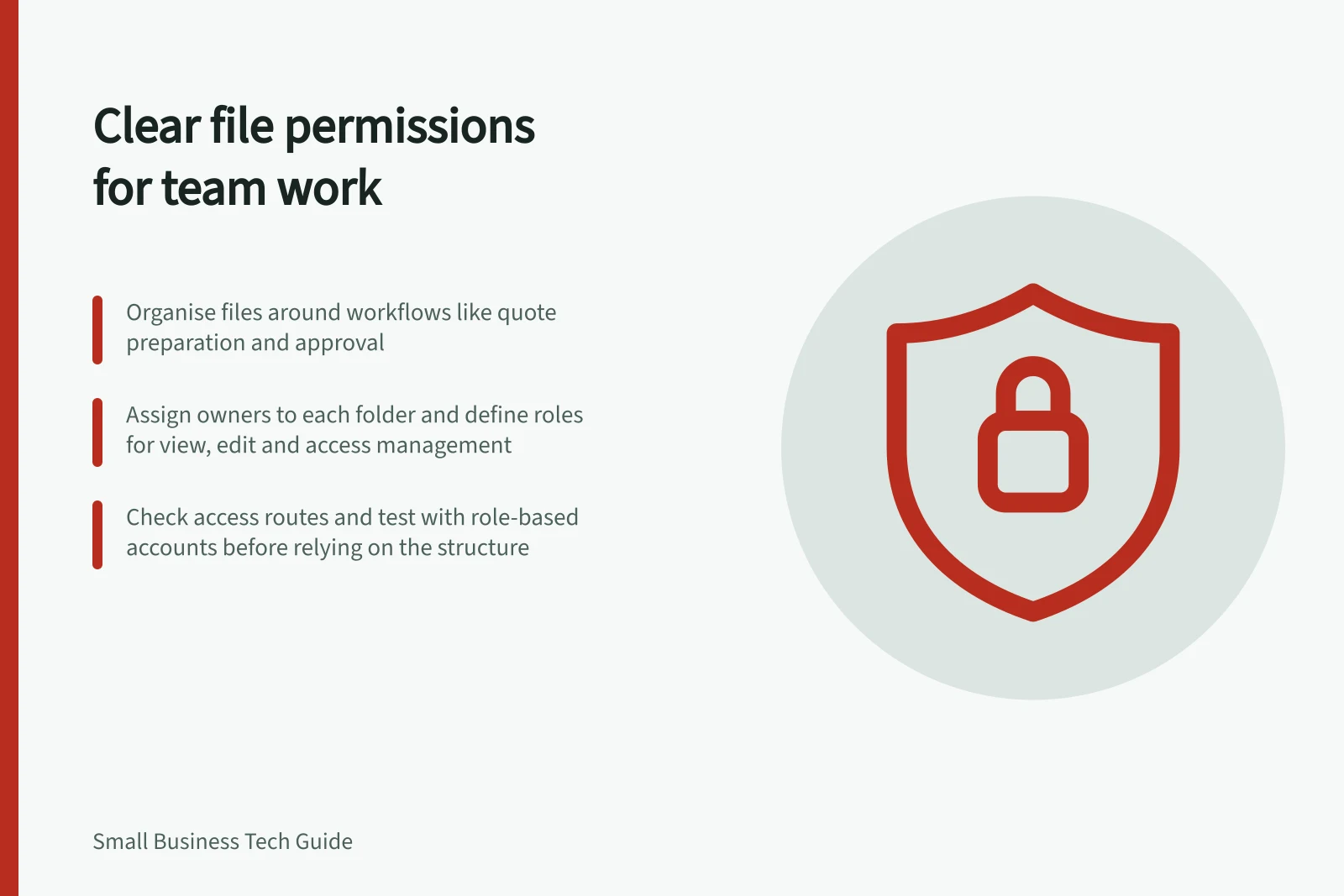
Organise shared files around the work people do, then set permissions on those locations. Give every location an owner, and check how people actually gain access before staff rely on the structure.
Draw a small file map
Pick one workflow, such as preparing and approving customer quotes. Identify its working documents, approved outputs and sensitive supporting records. Agree a location for each group and name an owner. Decide which location holds the current working version rather than copying it into several team folders.
Use folder names staff recognise. If drafts and approved files get confused, agree how to mark the approved version. Add a completed-work area only if it helps people retrieve records.
Write permissions by role
For each location, record who needs to view, edit and manage access. The roles below illustrate the decision; use the business’s actual duties.
| Location | View | Edit | Manage access |
|---|---|---|---|
| Working quotes | People preparing or approving quotes | Assigned preparers and approvers | Named owner |
| Approved quotes | People fulfilling or answering questions about quotes | People authorised to correct them | Named owner |
| Sensitive supporting records | Roles with a defined need | Roles maintaining those records | Restricted owner |
Give workers individual accounts where the service permits them. A group can suit a stable work role, provided someone reviews its membership when staff move. Avoid file-by-file exceptions unless the task requires them.
Check effective access
Access may come through a shared drive or site, a parent folder, a group, a direct invitation or a link. Some platforms also support exceptions that limit inherited access. Inspect the routes and restrictions that apply in the chosen platform; a file’s direct sharing list alone may not show the full result.
Moving a file or folder can change who has access. Check the selected platform’s rules before moving sensitive records.
Ask an authorised worker to open a representative file and complete their normal task. Using a separate account assigned to a role that should be excluded, check that the sensitive location remains inaccessible. Record the expected access and the observed result.
Keep the structure usable
Tell staff where new work belongs and how to request access. Review group membership and direct exceptions when someone changes role. Before removing a worker or reorganising folders, assign ownership of unfinished work. Repeated exceptions may show that the file map needs adjustment.
Recovery of deleted or damaged records belongs in the business backup plan.