Support
Part of Small business IT continuity
Preparing for an internet outage
Decide which tasks need internet, check an alternative connection and give staff an outage and reconciliation sequence.
Prepare by deciding which tasks can continue without the office connection. For work that cannot wait, check an approved alternative and give staff a way to record and reconcile unfinished work. A mobile hotspot or backup service suits only the tasks and location it has been checked against.
Identify the work at risk
List internet-dependent tasks: bookings, cloud records, payments, internet-based calls, file transfers. For each, decide whether it can pause, move to another approved channel or continue over an alternative connection. Record who makes that decision.
Distinguish a local device or Wi-Fi fault from loss of the office internet. If one computer is affected while others work, the fault may be local.
Record what staff observe, then use the agreed support route. Avoid repeated configuration changes during an apparent wider outage.
Pre-outage preparation checklist
- List internet-dependent tasksBookings, cloud records, payments, internet-based calls, file transfers
- Determine task flexibilityCan it pause? Move to another channel? Continue via alternative connection?
- Differentiate local from network issuesIf only one device fails, fault may be local. Avoid repeated configuration changes during apparent wider outage.
- Record staff observationsUse agreed support route. Document what is seen before acting.
Check the alternative at the workplace
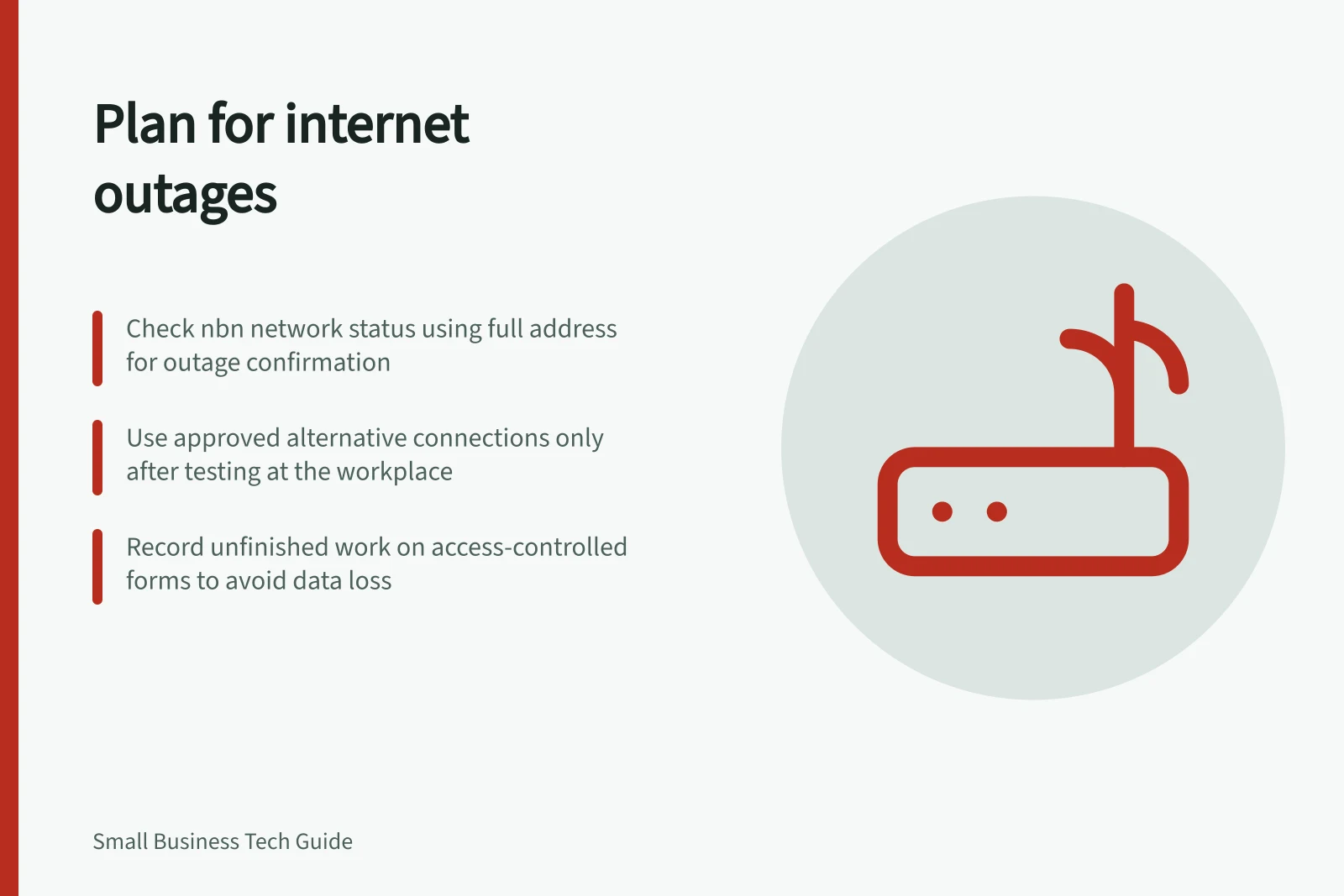
For work that cannot wait, consider a mobile connection, another site or a controlled offline process. Try a representative task on the proposed connection at the actual workplace.
Check indoor reception, usable data, power, how many people may share it, and any application or security restrictions. A coverage map does not establish that the task will work indoors.
Ask the internet provider for its fault-reporting route and written service terms. If equipment offers automatic failover, have the supplier identify which devices and services use the alternative connection. A second connection may still share electricity or equipment with the first.
For a power outage, consider the full path through the modem, router, switches and staff devices. For services over the nbn network, nbn says connected premises equipment needs its own battery backup. Service can still be unavailable if a power disruption outlasts the backup or affects the wider network.
Key facts about nbn outages and power backup
- nbn network status toolAvailable at https://www.nbnco.com.au/support/network-status
- Power outage impactnbn-connected premises equipment requires its own battery backup. Service may still fail if power disruption exceeds backup duration or affects wider network.
- Failover devicesIf automatic failover is available, supplier must identify which devices and services use the alternative connection.
- Mobile hotspot limitationsOnly suitable for tasks and locations already tested. Indoor reception and data limits may restrict use.
Give staff a short outage sequence
- Confirm the effect.Record when the problem began, the tasks affected and whether it appears limited to one device, the premises or a provider service. For an applicable nbn service, check network status using the full address. That tool does not cover Enterprise Ethernet and may not show every Sky Muster Plus outage; a clear result also does not rule out an individual retail-service fault.
- Report the fault.Use provider contact details kept outside the unavailable email or shared drive. Give the address, service details and observed symptoms.
- Activate the approved route.Tell staff which tasks may move and which must pause. Check a payment terminal, calling app or cloud system with its supplier before relying on offline behaviour.
- Record unfinished work.Use an approved, access-controlled form or system. Note the request, time, responsible person, follow-up and customer update without scattering customer details across personal messages.
- Return to normal.Complete a normal task on the original service, enter outstanding work once, resolve duplicates and remove any temporary diversion.
Keep the sequence and contacts available without the office connection. Tell affected customers what can still be done and when the next update is expected. Assign an owner to correct gaps found during an outage.
Staff outage response sequence
- Confirm the effectRecord start time, affected tasks, and whether issue is local or widespread. For nbn services, check network status using full address. Note: tool may not cover Enterprise Ethernet or all Sky Muster Plus outages.
- Report the faultUse provider contact details stored outside email or shared drives. Provide address, service details, and observed symptoms.
- Activate the approved routeCommunicate which tasks can continue offline and which must pause. Verify payment terminals, calling apps, or cloud systems with suppliers before relying on offline function.
- Record unfinished workUse an approved, access-controlled form or system. Log request, time, responsible person, follow-up action, and customer update—avoid scattering details in personal messages.
- Return to normalComplete a normal task on original service, enter outstanding work once, resolve duplicates, and remove temporary diversions.