Devices
Part of Device setup and onboarding
Recording device ownership and assigned users
Keep a device register that separates business ownership, assigned users, physical custody and support responsibility.
A device register should show which equipment the business owns or leases, who is responsible for it and who holds it now. Keep a history of handovers. A user name in a management console does not establish physical custody or business ownership.
Key Facts About Device Ownership and Tracking
- Purpose of a device register
- Track ownership, responsibility, custody and status across business devices
- Microsoft Intune primary user
- A management-system association, not proof of physical custody or ownership
- NIST guidance on asset tracking
- Emphasises accountability, audit trails and separation of roles
Identify each device
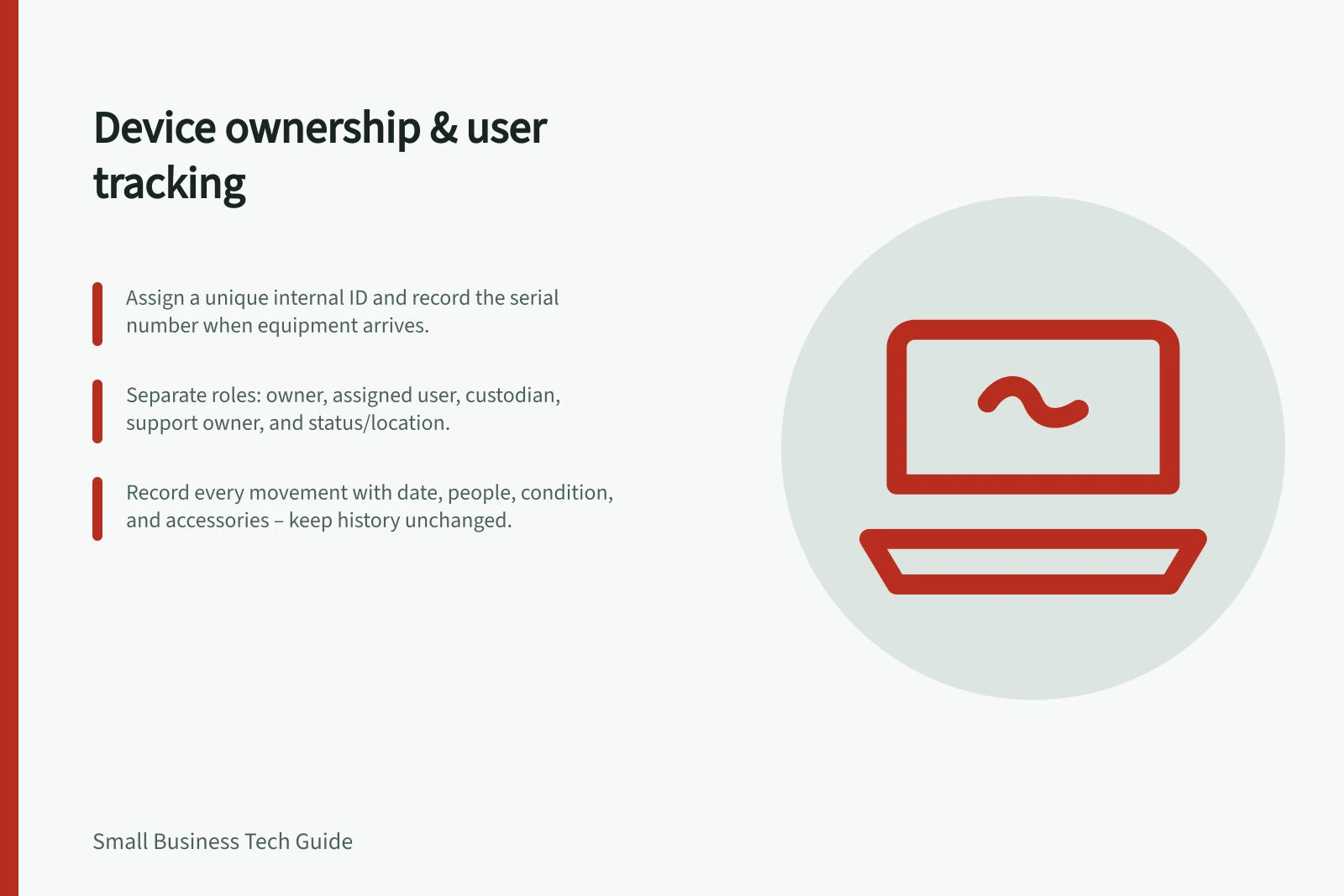
Create the record when equipment arrives. Give it a stable internal asset identifier and record the manufacturer’s serial number separately. Add the device type, model, purchase or lease reference, usual location and current status. Keep detailed financial records in the purchasing system, with a reference that lets someone find them.
A controlled spreadsheet may serve a small team if someone owns updates and access is limited. Record the change date, previous and new holder, and reason when equipment arrives, is transferred, returned or sent for repair. Retain the earlier entry rather than overwriting it.
Separate the roles
| Field | Question it answers |
|---|---|
| Business owner | Who approves reassignment and remains accountable for the equipment? |
| Assigned user or team | Who is expected to use it now? |
| Custodian | Who currently holds it, if different from the assigned user? |
| Support owner | Who handles faults and configuration? |
| Status and location | Where is it, and is it in stock, issued, in repair or returned? |
A shared counter computer may have a responsible team and location without one permanent user. A technician may hold a laptop while preparing it for its assigned worker.
Record each movement
For an issue or return, record the date, people involved, location, accessories and condition. Keep earlier assignments as history.
For a repair, note the holder and case reference. If a device is lost, preserve its last known assignment while the incident owner investigates. Do not store passwords or sensitive customer information in the register.
Periodically compare the register with physical labels, purchasing records and any device-management records. Follow up on missing serial numbers, duplicate records and devices still assigned to former staff. Give each discrepancy an owner.
Microsoft describes Intune’s primary user as the user primarily associated with a specific Intune device. It may be assigned automatically during or soon after enrolment, and can be viewed or updated in the device’s Properties tab. This is a management-system association, not a record of business ownership or physical custody. Record those decisions in the business register.