Backups
Business backups
Plan small business backups around essential records, recovery needs, protected copies, clear ownership and restore checks.

Section
Backups
Plan small business backups around essential records, recovery needs, protected copies, clear ownership and restore checks.
Backups
Measure current file use, forecast growth over a useful period and check what a storage plan counts before choosing capacity.
Backups
Compare local and cloud backups by restore needs, site risk, version protection, administration and the terms of the actual service.
Backups
Trace essential work to the files, application data and settings needed for recovery, then record ownership, location and a usable restore check.
Backups
A backup route should tell customers where their calls go when the main service is unavailable and tell staff how to respond. Write the sequence before an outage; a …
Backups
Find laptop-only work records, move them into an approved business location and check that another authorised worker can use them.
Backups
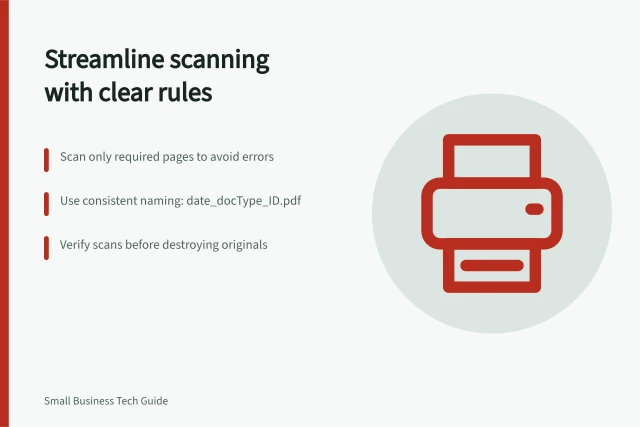
Scanning saves time only when the resulting file is complete, named consistently and easy to find.
Backups
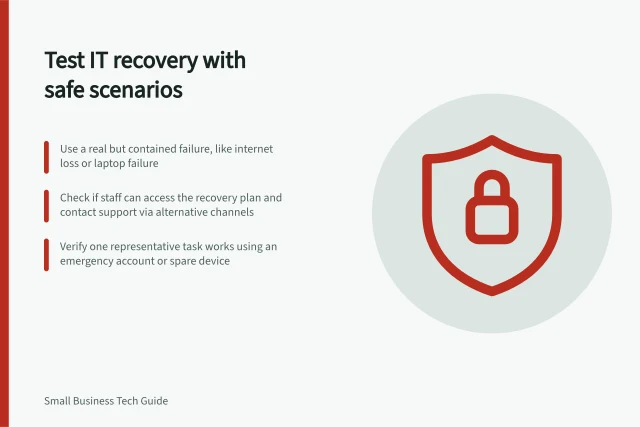
Run a contained recovery exercise, record observed results and assign fixes without mistaking a discussion for a technical restore test.
Backups
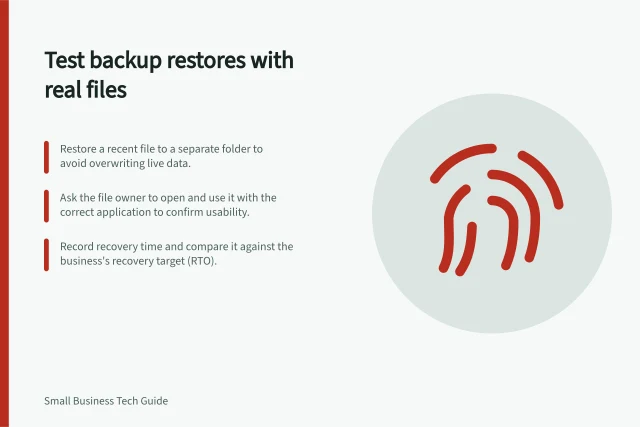
Run a safe file restore, check the recovered version with its owner, record the result and understand what a file test cannot prove.