Support
Part of Device setup and onboarding
Creating a practical device handover checklist
Create a short device handover checklist for issued equipment, working tasks, support contacts and pending items.
A device handover checklist should record what the worker received, which essential tasks worked and which items still need attention. Keep equipment receipt separate from operational readiness: a signature on an issue list does not prove that every application or permission works.
Prepare the form
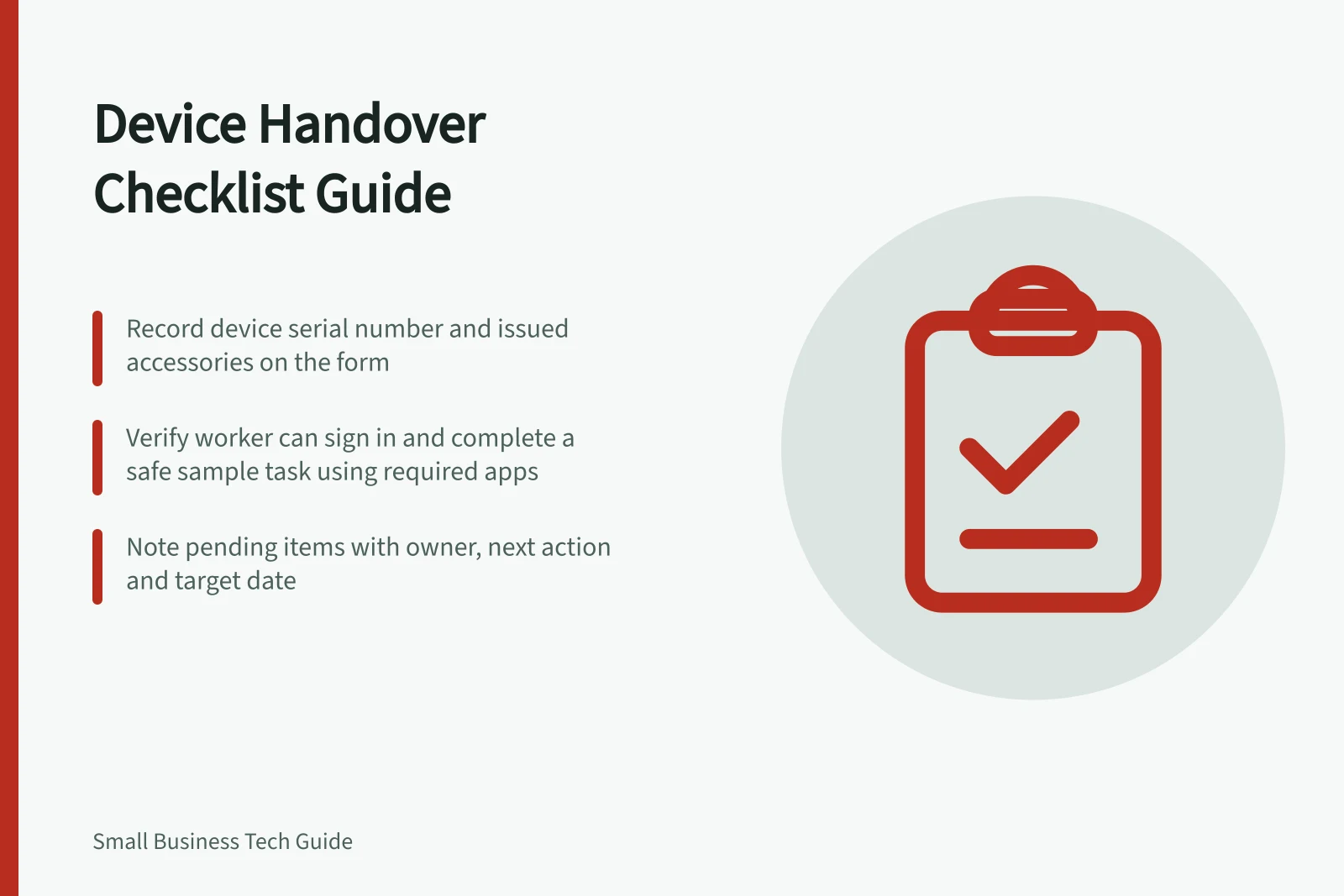
Gather the device assignment, issued accessories and the role's first-day tasks. Record the asset identifier or serial number on the form so the machine is identified. Use four short parts:
| Part | Record |
|---|---|
| Equipment | Device identifier, condition and accessories issued |
| Sign-in and access | Whether the worker signed in with their own account and opened required resources |
| Working tasks | Result of the essential applications, connection and peripherals used for first work |
| Help and return | Support contact, loss-reporting route and return location |
Adapt checks to the role and work location. A dock matters only where the worker uses one; a field task may need a check at its usual location.
Let the worker check essential work
Ask the worker to sign in personally and complete a safe sample task in an approved application or work record. Check required call equipment or peripherals with the device they will use.
Mark each result works, pending or not required. The preparer should not request or retain the worker's password.
Show how to lock the screen, find approved work files and request help. Point to the business's actual route for reporting a lost device or suspicious activity.
A cyber security policy can help staff understand what they need to do to protect the business's devices and information. The form should identify the contacts the worker can use.
Leave open items visible
For a missing licence, unavailable folder or delayed update, record the owner, next action and target date. Agree on a safe temporary work route if the person must start before a task works.
If a check can only be completed at another location, name who will confirm it and how the result will be reported. Equipment can be acknowledged as received while readiness remains pending.
Record the handover date, worker, preparer, equipment condition and checked results. Give the worker an accessible copy or summary, and keep the business record with controlled access alongside the device assignment.
Keep passwords and recovery codes out of it. Use the issue list when the equipment is returned or reassigned.