Devices
Part of Business phone and communication hardware
Comparing desk phones with softphone setups
A desk phone offers a dedicated handset and physical controls. A softphone uses a computer or mobile app with a microphone or headset. Choose by the work pattern …
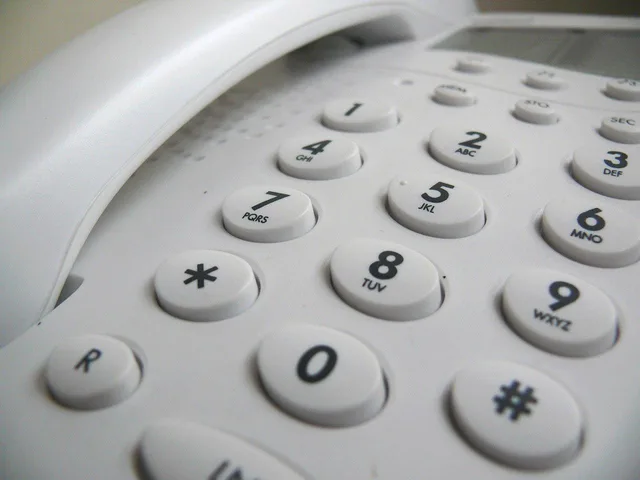
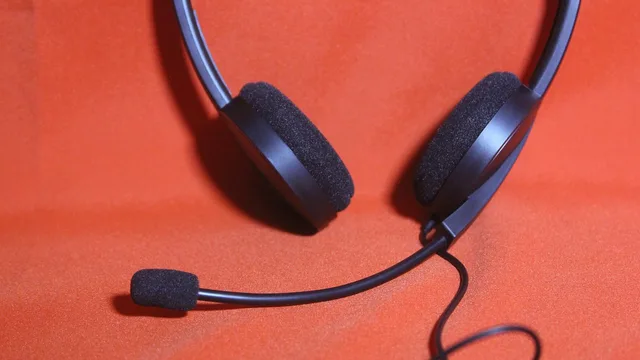
A desk phone has a dedicated handset and physical controls. A softphone runs as an app on a computer or mobile device and uses that device’s microphone or an audio accessory.
Compare the setups by staff work pattern, call tasks, service compatibility, administration and total cost. A fixed role may suit a handset with physical controls, while an app can suit staff who move between locations or already work on a computer or mobile device.
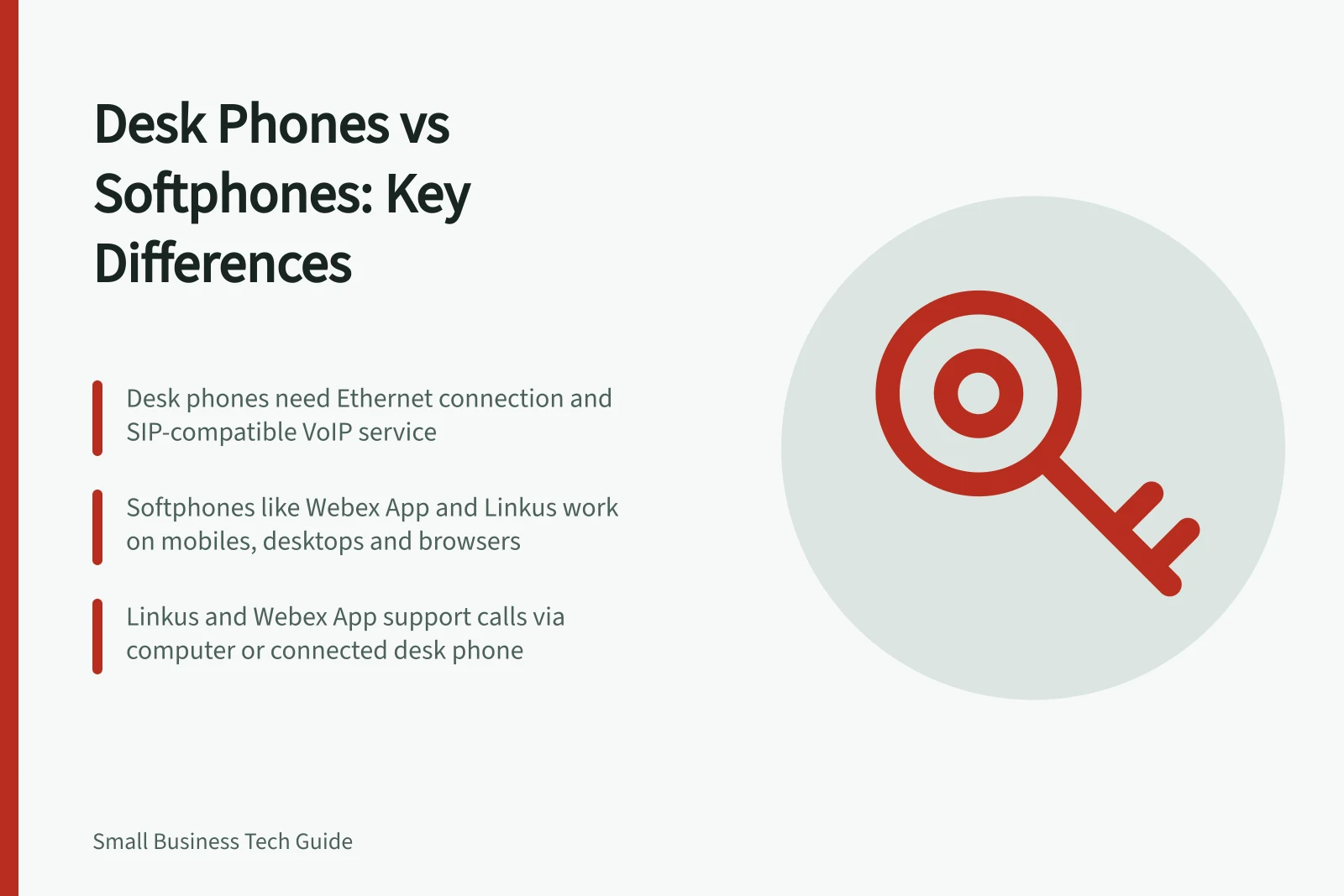
Named app options include Webex App and Yeastar’s Linkus softphone; Linkus runs on mobile devices, desktops and web browsers. Webex App can place calls through My Computer or a connected desk phone.
A SIP desk phone needs a compatible VoIP service or PBX and connects to the network, usually by Ethernet; it does not plug into the green phone port on an ISP-supplied modem. Confirm that the provider supports the exact handset model and its auto-provisioning, which depends on the provider.
The Yealink T31P supports two SIP accounts, a 2.3-inch greyscale display and PoE. Its estimated Australian price is A$80–100.
The Yealink T33G supports four SIP accounts, a 2.4-inch colour display and PoE. Its estimated Australian price is A$130–190.
The Yealink T54W supports 16 SIP accounts, a 4.3-inch colour display and PoE. Its estimated Australian price is A$280–400.
The Grandstream GXP2170 supports six SIP accounts, a 4.3-inch colour display and PoE. Its estimated Australian price is A$200–265.
The Poly Edge E450 is listed with eight keys, up to 32 SIP accounts, 3.5-inch and 2.4-inch colour displays, and PoE. Its estimated Australian price is A$373.
In Webex App, check whether My Computer or a connected desk phone is selected; calls go through the selected device. With a desk phone selected and phone service configured, the app can hold, merge and transfer calls, and its dial pad uses DTMF for joining meetings, voicemail options and IVR systems.
At reception, ask two staff members to complete the same tasks in each setup: answer, hold, transfer and return missed calls. Record missed controls and how quickly a new worker can start, including merging calls and using DTMF where relevant.
For mobile workers, test changing location and signing in safely on a shared device. Record the number and call-routing behaviour in both setups.
FX Business Technologies lists a fully managed plan with softphone from $29 a month for 1–9 employees. Call costs are excluded, with an option to add unlimited calls.
The listed FX rates are $34 a month for 10–24 employees and $39 a month for 25+ employees. These are monthly service rates, separate from the handset price estimates.
For a whole-setup budget, add applicable licences, headset replacement, network or Wi-Fi work, power and provider support to the handset or plan charges. Keep recurring service fees separate from handset estimates.
A computer call depends on its operating system, audio device and notifications; a desk phone can depend on office network and power. Neither is automatically an outage backup.
Use a mixed approach if roles differ, while keeping administration and support manageable.