Support
Part of Business software installation and licences
Planning renewals without surprise charges
Set software renewal decisions before supplier deadlines, then verify terms, quantities, cancellation and the resulting charge.
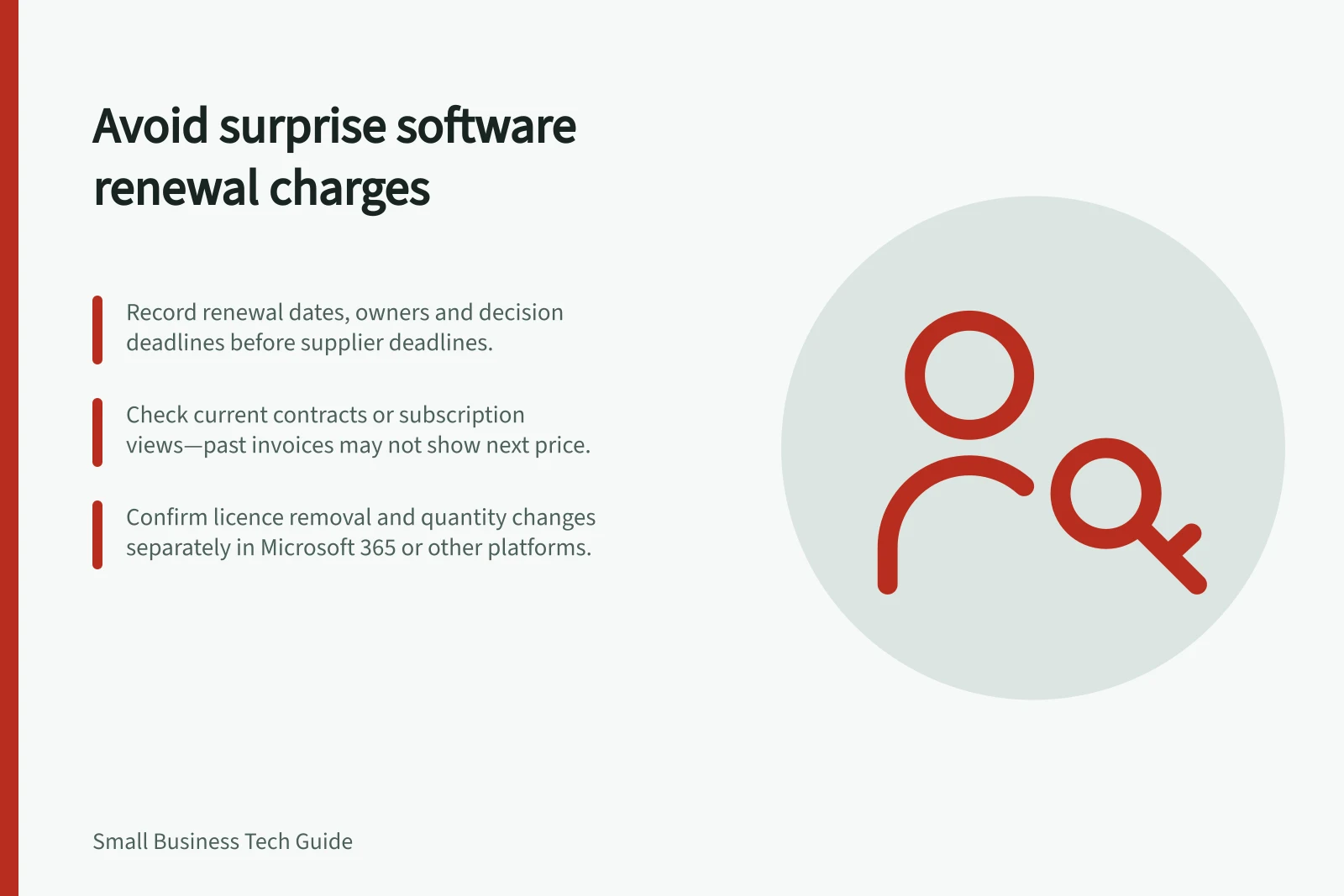
Decide on every software renewal before the supplier’s change deadline. Record the term end, renewal setting, purchased quantity, seller, decision owner and the date the owner must act. A past invoice may not show the next price or the last day to make a change; check the current contract, notice or subscription view.
Key Renewal Facts from Supplier Documentation
- Microsoft 365 renewal deadline
- Check subscription view or contract; no automatic price update on past invoices
- Licence removal window (Microsoft)
- Limited period after purchase or renewal to remove licences
- Adobe Creative Cloud for Teams cancellation
- Requires admin action via account management portal
- Turning off auto-renewal
- Service remains active until end of term; save data before cancelling
Set a decision date
Gather the order, current terms, recent invoices and administrator view. If the business bought through a reseller, record that seller’s change process. Put the supplier’s deadline and an earlier internal decision date in the calendar so there is time to confirm users and approve the request.
Renewal record / Decision it supports
- Product, plan and seller
- Which agreement is being changed?
- Term end and renewal setting
- Will service continue without a new order?
- Purchased quantity and assigned users
- How many seats are needed?
- Next charge
- Is the amount quoted, invoiced or still unknown?
- Change and cancellation terms
- When can a request take effect?
- Owner and confirmation
- Who acts and checks the result?
Label an uncertain future charge unknown and ask the seller for a current quote or notice. Do not carry last year’s price forward as a fact.
Decide what to keep
Ask each application owner which tasks and people still need the product. Compare that answer with assigned users and purchased quantity. Investigate duplicate tools and trials that became paid subscriptions. Before leaving a service, confirm how necessary files will be retrieved and used after access changes.
Access removal and billing reduction are different actions. Microsoft 365 lets authorised administrators unassign a user licence, but reducing the purchased quantity requires a separate step. For a Microsoft Customer Agreement subscription, Microsoft documents a limited period after purchase or renewal for removing licences; other billing accounts and seller routes differ. Check the actual subscription rather than assuming an unused seat reduces the next bill.
Submit and verify the change
Record the approved decision: renew, change the quantity or plan, turn off renewal, or cancel under the applicable terms. Use the supplier’s or reseller’s required route. Keep its confirmation, effective date and any pending request open until the account state and relevant invoice can be checked.
Turning off automatic renewal may leave service active for the rest of its term. Microsoft states this for its recurring-billing control and advises saving needed data before cancelling a business subscription. Check the actual supplier’s terms and work dependencies before ending access. Update the software record after the change and schedule the next review.