IT Planning
Small business technology reviews
Review the technology your small business already uses, gather evidence of delays and risks, and turn findings into a practical action list.
A technology review checks whether the tools a small business already uses still support its work. Follow important tasks, record interruptions and risks, then decide what to fix, investigate, trial or keep. A review can end without a purchase.
Follow the work
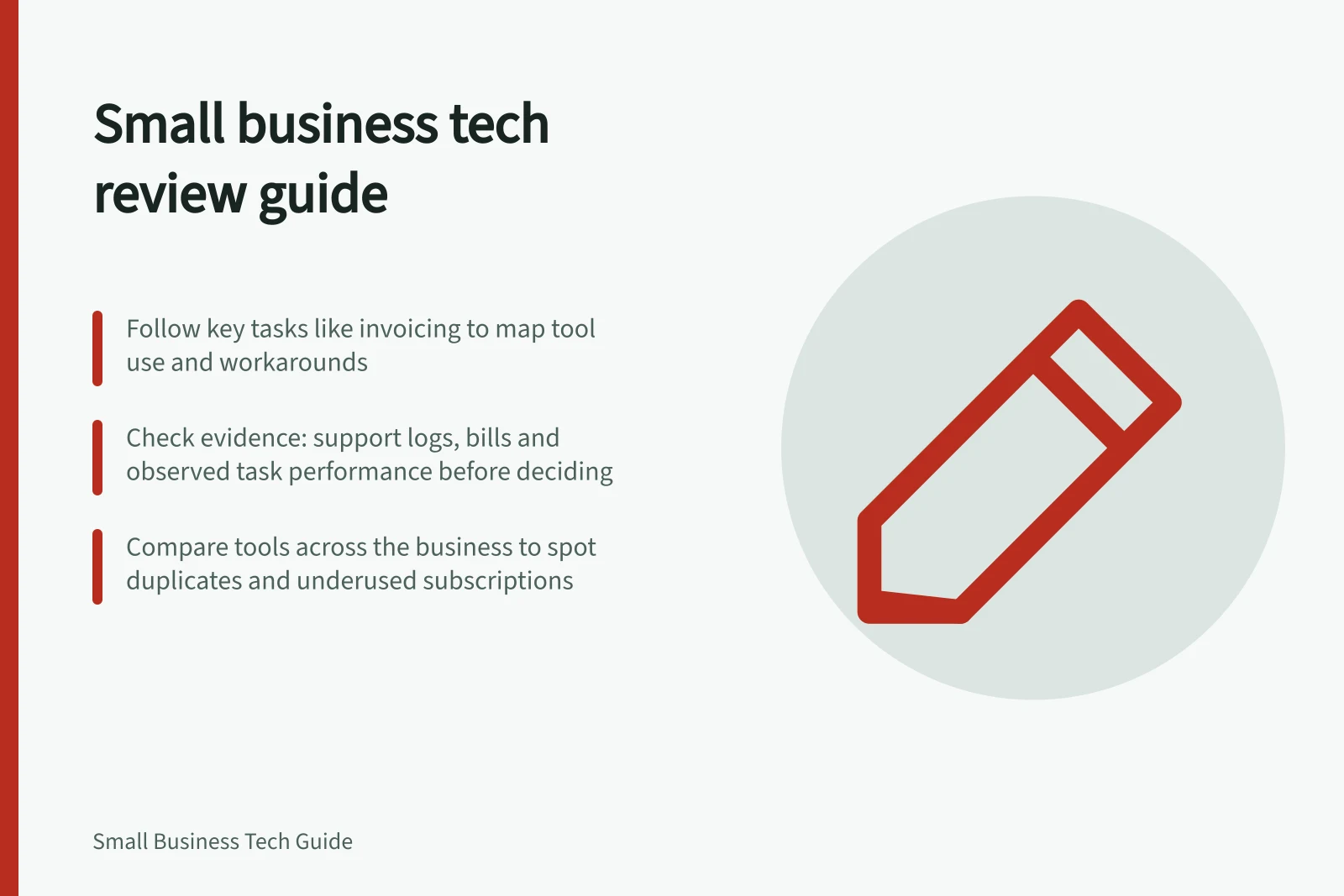
Choose a few tasks that matter, such as receiving an enquiry, completing a job and issuing an invoice. Ask staff to show the normal route and any workaround. Note the accounts, software, devices, connections and shared equipment involved. Record what works as well as what fails.
Check the evidence
Staff reports reveal delays that may never reach support. Support cases show reported faults and attempted fixes. Bills show charges, and an assigned subscription shows access, but neither proves a tool is useful. Where practical, observe a representative task.
Keep the observation separate from the proposed remedy. If printing interrupted several invoice runs, check the queue, connection, consumables and device before deciding the printer needs replacing.
| Question | Evidence to collect | Decision it informs |
|---|---|---|
| Is work interrupted? | Task, frequency, people affected and workaround | Investigate or fix |
| Is a tool still useful? | Work it supports, actual users and cost | Retain, adjust or review its use |
| Is the setup supported? | Support information for the exact product and version | Update, restrict use or plan a change |
| Did a change help? | The same task before and after the change | Keep, revise or stop the change |
Compare tools across the business
Review related tools together, not only one subscription at a time. Two tools may cover similar work, or a tool may be paid for but absent from the task routes staff actually use. Check which work each tool supports and whether its use overlaps with another.
The Australian Government’s business.gov.au guidance recommends reviewing existing tools, cancelling unneeded subscriptions and checking for duplicate tools that do the same thing. Treat cancellation as a decision to verify: confirm the tool is not supporting a task, access or service the business still relies on.
A tool that appears underused may still serve a specific business goal. Record that purpose and the evidence for keeping it, rather than assuming low use alone means it should go. If no current task or goal depends on it, mark the subscription for a deliberate review rather than letting it pass unnoticed.
Weigh risk, disruption and cost
Check important account access, software update status and whether information can be recovered. Verify their actual state rather than assuming. Check the support status of the exact product and note any relevant dates.
For routine delays, note how often they occur and whether staff are waiting, repeating work or able to switch to another useful task. For a proposed improvement, compare full cost including setup, training, ongoing charges and support with evidence of benefit. business.gov.au digital-tools guidance recommends considering upfront and running costs and keeping to the digital budget.
Look at the combined cost of tools serving related work, including overlapping subscriptions. business.gov.au advises businesses to explore available options and notes that a useful tool does not have to be expensive; free or low-cost tools may improve processes and save time. This can frame a review before any change, without assuming a cheaper option will suit the work.
Key Statistics and Guidance from Australian Sources
- Recommended action: Cancel unneeded subscriptionsbusiness.gov.au advises reviewing and removing duplicate or unused tools.
- Cost consideration: Free or low-cost tools can be effectivebusiness.gov.au notes that useful tools don’t have to be expensive.
- Cybersecurity risk: End-of-support software is vulnerablecyber.gov.au warns against using software past end-of-support date.
- Record-keeping requirement: Digital records must be secure and accessibleATO requires businesses to maintain proper digital record-keeping systems.
Record the next decision
Give each finding an owner, evidence, next action and review date. Mark it fix, investigate, trial or retain and review later. Define what a trial must improve before it starts. After a fix, ask an affected worker to repeat the original task and record the result.
Review again when staff, systems or workload change. Compare outcomes with earlier observations so the next decision rests on what happened, including when the existing setup continues to work well.
Note assumptions or dependencies that could affect the decision, so they can be checked if circumstances change.
Connect decisions to business goals
A review is more useful when each proposed change connects clearly to a business goal. The business.gov.au digital-tools guidance gives examples such as improving business processes, speeding up tasks and helping staff connect and communicate. Use the goal to explain why a finding matters, not as a reason to adopt a particular tool.
For each action, state what success would look like and how you will assess it. The government guidance recommends deciding how to measure success, then reviewing and adjusting the strategy. Keep the measure close to the reviewed work so a later check can distinguish an improvement from a change that made no practical difference.
Where a decision needs time, people or other resources, make those responsibilities visible in the action record. A digital strategy can help plan tools and platforms and allocate resources and responsibilities; a small review can use the same principle without becoming a new technology project.
In this guide
- Auditing the current IT setup before buying more toolsCheck existing tools, ownership, access, costs and task gaps before approving another small business technology purchase.
- Identifying equipment that causes repeated delaysTrace recurring delays to the affected task, compare devices and shared services, and give support evidence before deciding on a fix.
- Estimating the staff time lost to avoidable IT problemsRecord affected people, unusable minutes and rework to estimate the staff time lost to recurring IT interruptions without double counting.
- Prioritising a small business technology improvement budgetCompare technology improvements by work impact, evidence, full cost and acceptance checks, then approve spending in practical stages.