Devices
Part of Small business printers and scanning
Comparing document scanners with multifunction devices
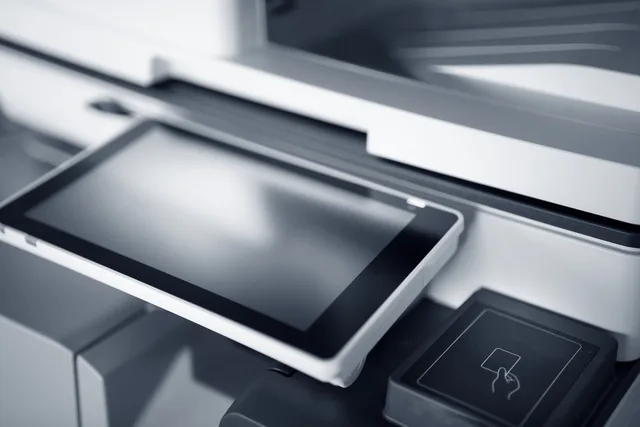
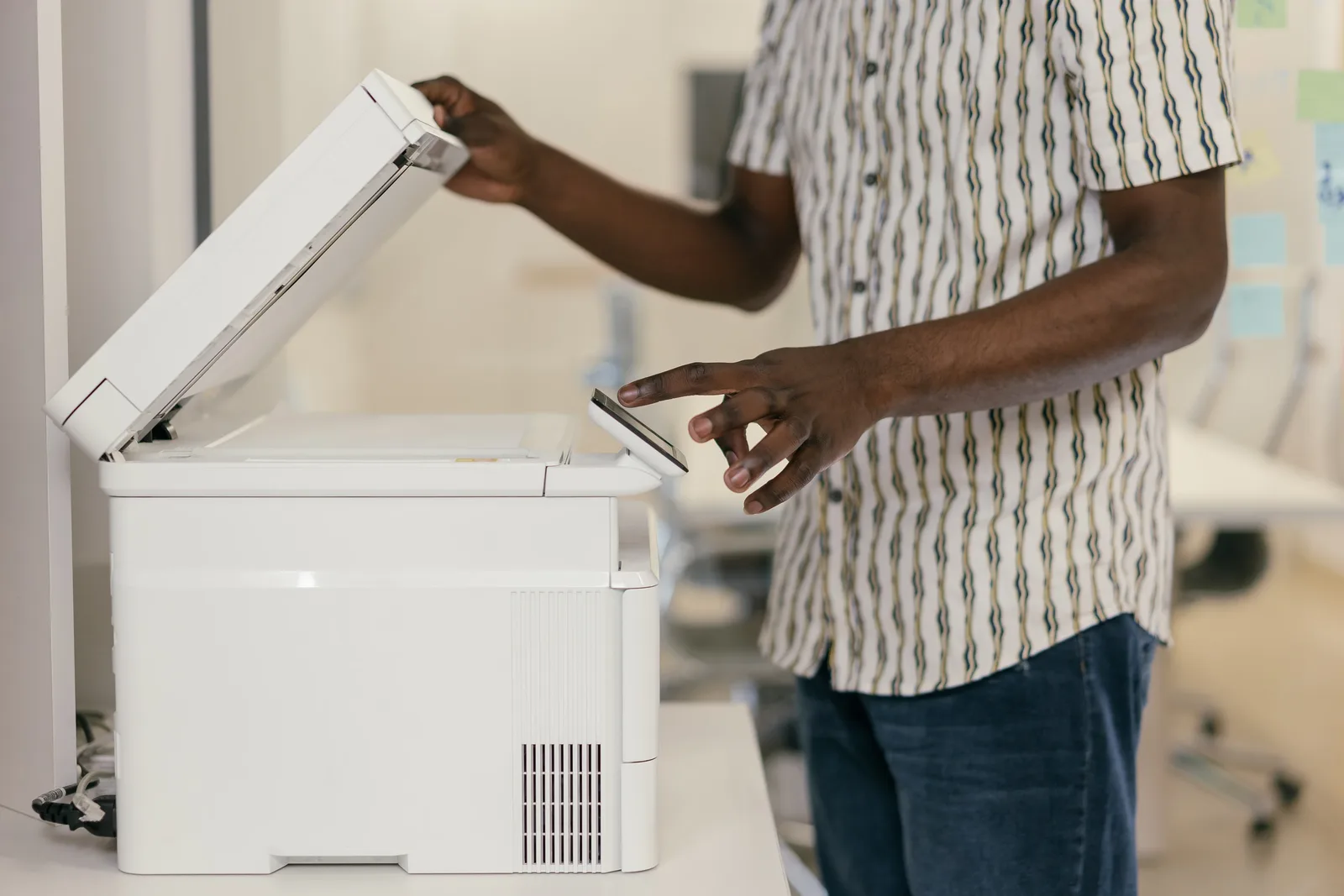
A multifunction device is convenient when people already print near the place they scan.
Dedicated document scanners suit frequent batch scanning; multifunction printers (MFPs) suit occasional scans when printing and copying in one device matter. Category benchmarks put scanner speeds at 60 to 120 ppm simplex and up to 240 ipm duplex, compared with 20 to 60 ppm simplex for MFPs. Daily scan-volume ranges are 5,000 to 50,000+ pages and 100 to 2,000 pages respectively.
Category ADF capacities are 80 to 500+ sheets for scanners and 20 to 100 for MFPs. Dedicated models use single-pass duplex scanning; MFPs often use a reverse ADF that turns the sheet over. These are category benchmarks, not specifications for the named models.
The Fujitsu ScanSnap iX1600 is described as suitable for small offices and has dual-band Wi-Fi, Windows and Mac support, and direct cloud upload. The HP Color LaserJet Pro MFP 3301fdw is an MFP example; MFPs combine printing, scanning and copying in one device.
Dedicated scanners are optimised for documents, with excellent OCR results, ultrasonic double-feed detection and mixed-batch handling. MFP scan quality is described as good, but its design is primarily optimised for copying; its standard feeder has limited formats. Dedicated scanners can be compact desktop devices, while MFPs are large, floor-standing units with a cabinet.
Document Scanner vs Multifunction Device: Key Performance Benchmarks
- MFP Speed (Duplex)
- Not specified – typically lower than dedicated scanners
- Scanning Technology
- Single-pass duplex scanning
- MFP Scanning Technology
- Reverse ADF (sheet turned over)
Pros and Cons of Dedicated Scanners vs MFPs
- Dedicated Scanner – ProsOptimised for documents; excellent OCR; ultrasonic double-feed detection; mixed-batch handling; compact design
- Dedicated Scanner – ConsNo printing or copying functionality; may require separate printer
- MFP – ProsCombines printing, scanning and copying; convenient for shared office use; suitable when printing is a priority
- MFP – ConsScan quality good but not optimised for documents; limited feeder formats; higher cost per scan; larger footprint
Use a representative stack
Prepare one-sided and two-sided pages, different sizes, faint print and receipts, with staples removed. Run the same stack through both devices, using the same operators and destination.
Time preparation, feeding, jam recovery, image review, naming and upload. Count pages missed or duplicated so the comparison reflects the whole scan workflow.
A dedicated scanner’s feeder and software may help with mixed batches, while an MFP may suit occasional forms. Check image quality on both at a file size the business can store and share.
If searchable text is required, test OCR on your own fonts and scans. Do not assume every exported PDF contains reliable text.
Check each device’s destination options and access controls, including whether users can choose an approved repository without sending sensitive material to a personal inbox.
How to Compare Devices in Practice
- Prepare a representative stackInclude one-sided and two-sided pages, different sizes, faint print, receipts; remove staples
- Run the same stack through both devicesUse the same operator and destination settings
- Time each stage of the workflowPreparation, feeding, jam recovery, image review, naming, upload
- Track errorsCount missed or duplicated pages to reflect real-world performance
- Test OCR accuracyUse your own fonts and scans; don’t assume exported PDFs are searchable
- Check destination options and access controlsEnsure users can send to approved repositories without using personal inboxes
Account for the other job
At about 1,000 pages a day, category guidance favours a dedicated scanner as more economical and reliable. Scanner cost per scan is described as very low because there are no toner or ink costs; MFP cost per scan is higher when maintenance contracts and consumables apply.
For frequent, batch-led scanning, a dedicated scanner such as the ScanSnap iX1600 is the stronger fit. For occasional forms, an MFP such as the HP Color LaserJet Pro MFP 3301fdw may be more convenient when printing and copying in the same unit matter.
If printing matters, assess the MFP separately against the office’s print needs. Keep the scan comparison focused on scan workflow.
Using two devices adds maintenance and takes space. Include both in a hands-on trial, then choose the arrangement that produces correct scans with the least total staff work.
Cost and Workflow Efficiency Comparison
- Cost per Scan (Dedicated Scanner)
- Very low (no toner/ink costs)
- Cost per Scan (MFP)
- Higher (includes maintenance and consumables)
- Recommended for Daily Volume >1,000 Pages
- Dedicated scanner
- Best Fit for Occasional Forms
- Multifunction device