IT Planning
Auditing the current IT setup before buying more tools
Check existing tools, ownership, access, costs and task gaps before approving another small business technology purchase.

Author
Charlotte A. Harris is the editorial byline assigned to this area. Background, definitions and the interpretation of available information belong to this editorial remit. Subject: small business information technology. Related coverage: IT Planning. Readers should be able to see where a conclusion depends on an assumption. This is an editorial pen name used by the publication, not a claim of an independently verified personal identity.
IT Planning
Check existing tools, ownership, access, costs and task gaps before approving another small business technology purchase.
IT Planning
Choose business computers by role, workplace and software needs, then compare complete setups, support and running costs.
Devices
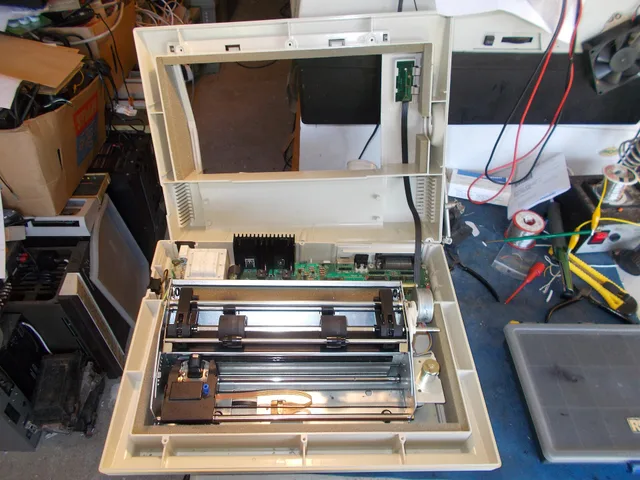
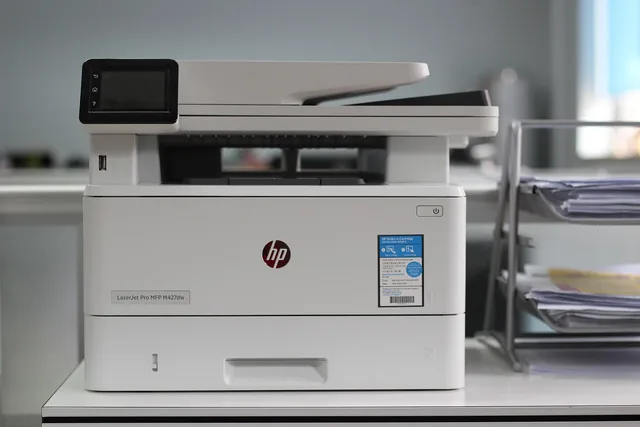
An office printer should be sized for your jobs, not the highest monthly duty cycle in a brochure.
Devices
Plan shared records, role-based devices, field access and connection checks for a team working in the office and on site.
IT Planning
Compare Australian office internet plans using real upload and download work, address availability, retail support terms and complete costs.
Backups
Measure current file use, forecast growth over a useful period and check what a storage plan counts before choosing capacity.
Devices
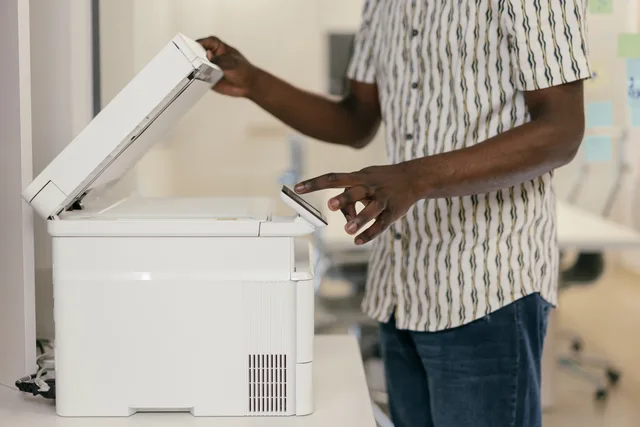
A multifunction device is convenient when people already print near the place they scan.
Support
Create a short device handover checklist for issued equipment, working tasks, support contacts and pending items.
Support
Use impact, data risk and safe troubleshooting limits to decide when to escalate an office IT fault to a specialist.
Devices
Assign, configure, check and hand over a work device for a new staff member, with clear owners for unfinished tasks.
Devices
Retire business devices by preserving work, addressing account access, sanitising storage, recording results and checking Australian recycling options.
Backups
Trace essential work to the files, application data and settings needed for recovery, then record ownership, location and a usable restore check.
Support
Choose software by role, inspect installer extras and verify what works on a new staff member’s device.
Devices
Build a device replacement schedule around support dates, faults and work impact without imposing an arbitrary age limit.
Support
Keep a useful fault history with dates, symptoms, workarounds, case owners and follow-up so repeat IT problems can be investigated.
IT Planning
Build a useful technology needs list from staff tasks, locations, access requirements and the tools already in use.
Devices
Plan updates for field phones and tablets, verify installation and address overdue or unsupported devices.
Office Networks
Map where staff work, choose candidate access-point locations and check Wi-Fi coverage and busy-room capacity using real tasks.
Devices
Define a repeatable computer baseline, apply role settings and verify a new starter’s machine before issue.
Support
Decide which tasks need internet, check an alternative connection and give staff an outage and reconciliation sequence.
Account Security
Respond to a missing work phone by containing account access, checking remote actions and assessing exposed data.
Devices
Keep a device register that separates business ownership, assigned users, physical custody and support responsibility.
Backups
Scanning saves time only when the resulting file is complete, named consistently and easy to find.
Account Security
Use a service-by-service exit checklist to prevent sign-ins, address sessions and shared passwords, transfer work and verify access removal.
Support
Check work files and dependencies before uninstalling unused business software, then verify the device and billing separately.
IT Planning
Decide which business equipment is needed now, which upgrade deserves a trial and which purchase can wait.
Office Networks
Set visitor access rules, check what guest devices can reach and keep business resources and network administration restricted.
Office Networks
A shared printer is a small information system.
Account Security
Map work accounts, limit access, protect sign-ins and plan staff changes with a practical account security process for Australian small businesses.
IT Planning
Decide where small business files belong, who can use them, how much space to allow and how important records can be recovered.
Devices
Choosing office printing equipment begins with documents, people and workflow, not a headline pages-per-minute figure.
Support
Set up a clear support route, define responsibilities, choose suitable coverage and know when a small office needs specialist help.
IT Planning
Plan a small office network around daily work, wired and Wi-Fi coverage, visitor access and clear support responsibilities.
Office Networks
Test calls where they are made: reception, meeting rooms, home connections and busy Wi-Fi areas. A fast download result does not show whether a live conversation …
Backups
Run a safe file restore, check the recovered version with its owner, record the result and understand what a file test cannot prove.
Support
Reconcile software users, assigned licences and purchased quantities so each paid seat has a clear owner and decision.