Account Security
Small business account security
Map work accounts, limit access, protect sign-ins and plan staff changes with a practical account security process for Australian small businesses.
Start by identifying the work accounts your business relies on, who controls them and who can use them. Give people only the access their work requires. Protect sign-ins and remove access when roles change, prioritising accounts that control email, payments, customer information or other accounts.
Keep an account register
List business email, banking, accounting, file storage, website administration, social media, supplier portals and specialist applications. Include access held by contractors and external IT providers. For each service, record its business owner, administrators, named users, permissions and recovery route. Note any account that relies on a worker’s personal email address or phone number for recovery.
Record / Question it should answer
- Owner
- Who approves access and receives supplier notices?
- Users and roles
- Who can sign in, and what can each person do?
- Administration
- Who can grant access or change important settings?
- Recovery
- How can authorised access be restored?
- Exit
- Who removes access and checks the result?
Update the register when someone starts, changes roles or leaves. It should show which services need attention if a worker’s access ends today.
Make financial account oversight a shared responsibility rather than relying on one person to recognise suspicious contact. Staff should know what genuine ATO or myGov correspondence looks like. Regular audits can help secure financial access.
Use named accounts where possible
Give each person an individual account when the service supports it. Shared logins make activity harder to attribute and may remain usable after someone leaves. Keep administrator permissions separate from ordinary access, and review who needs them.
If sharing is unavoidable, record who knows the credential and use multi-factor authentication (MFA) where available. Change the credential when someone with access changes roles or leaves. Check the service’s account-sharing terms. Removing someone from a password-manager vault does not revoke a password they may have copied.
Protect sign-ins and recovery
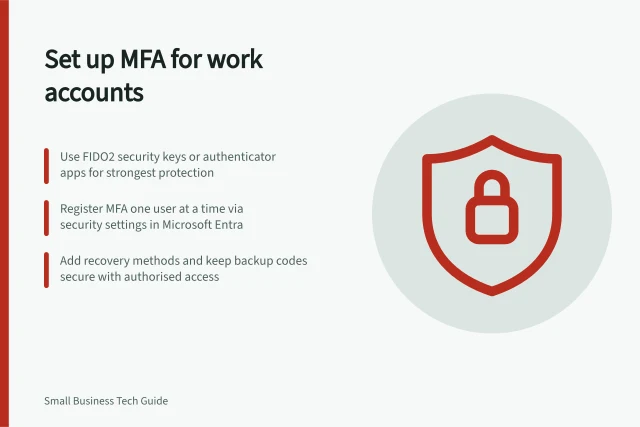
Enable MFA where available, starting with important email, financial and administrator accounts. Passkeys and FIDO2 security-key sign-in can provide stronger protection where the service supports them; an authenticator app is another option. SMS and email codes are more vulnerable to some attacks. Available methods depend on the service and its administrator settings.
For accounts that use passwords, choose a strong, unique password or passphrase for each service. A password manager can generate and store them. Protect its master sign-in with a strong, unique passphrase and MFA where available.
Staff should reject unexpected approval prompts and never give a sign-in code to someone else. MFA reduces risk but cannot prevent every compromise.
Check recovery options while access is working. Keep recovery contact details current and protect backup codes where a service provides them. Record who can arrange recovery for a business account without depending solely on one worker’s private device.
Check requests against account identity
A familiar name or email account is not proof that a request is genuine. In a business email compromise, a scammer may take over a legitimate business email account or impersonate a senior staff member, supplier or other known contact to obtain money or information.
Be alert to invoice emails with changed payee or contact details, and to unexpected requests to transfer a large sum from the business’s accounts. Treat these as reasons to verify who is making the request before relying on the account’s identity or granting access to sensitive information.
For claimed ATO contact, check the details through the official ATO website or by calling a number listed on government pages. The ATO usually contacts people through secure myGov inboxes or official post. It will not ask for passwords or request payment by gift card, cryptocurrency or instant wire transfer.
Review access as work changes
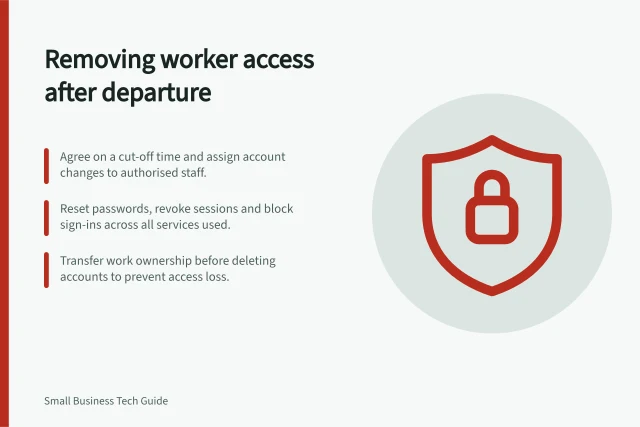
When a role changes, remove permissions no longer needed. When a worker leaves, assign a time and owner to remove their individual access, address sessions where supported and change shared credentials they knew. Transfer ownership of business work before deleting an account that holds it.
Disabling the main email account may leave separate supplier or social-media access in place. Check each service in the register and record unresolved items. Periodically have someone in each role complete a normal task with their assigned permissions, then check that unrelated sensitive areas remain restricted.
In this guide
- Setting up multi-factor authentication for work accountsChoose a supported MFA method, enrol each work-account user, check a fresh sign-in and protect the recovery route.
- Using a business password managerChoose and roll out a business password manager using real account needs, controlled sharing, vault protection and a clear process for staff changes.
- Removing access when a worker leavesUse a service-by-service exit checklist to prevent sign-ins, address sessions and shared passwords, transfer work and verify access removal.